
About the Notification Manager
The Notification Manager creates new notifications (outbound calls) and allows you to review notifications that have already been made or are in the process of being made.
Notifications are listed by date, type, status, and delivery method.
To access the Notification Manager screen, open a web browser (for example, Microsoft Internet Explorer) and type the following address into the address bar:
http://server:port/hiwire?.a=aNotification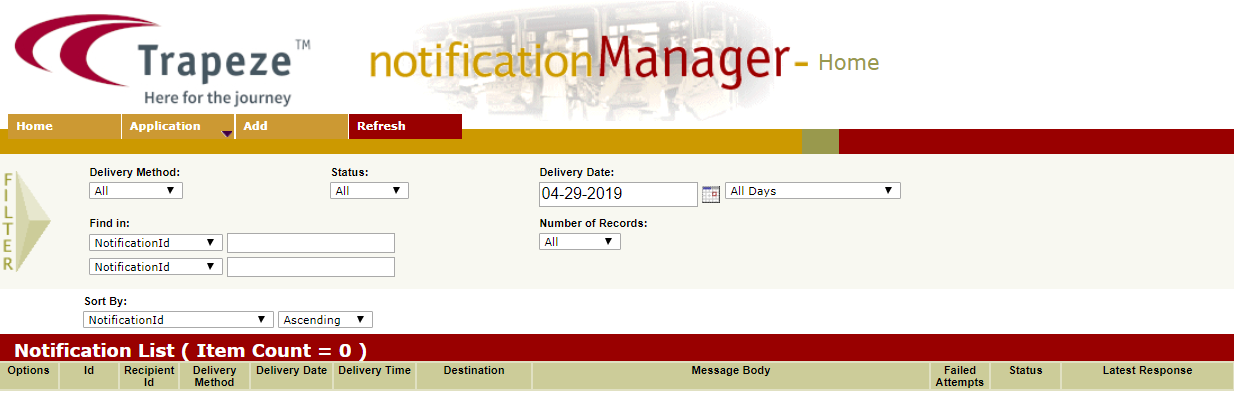
Note: Replace “server” with the IP address or host name of the IVR application server and
replace “port” with the port number on which the service is running.