Place text in quotation marks for exact match search results.
Deleting Manual Notifications
You can only delete notifications that were created using the Add
Notification screen of the Notification Manager
screen.
On the Notification List screen, select the notification in the
list that you want to delete.
From the Options list, select Delete and
click Go.
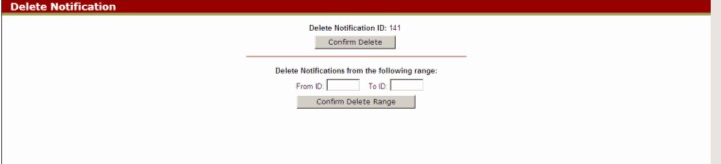
The Delete Notification screen appears.
Click Confirm Delete.
Optional: To purge a range of notifications from the system, type a range
of Notification IDs in the From ID and To ID
fields and click Confirm Delete Range.
An information screen shows the list of deleted notifications.
Click OK to return to the Notification Manager screen.
Deleted notifications are removed from the database.