You can add new calling rules as required.
-
In the List of Rules screen, click New Rule
in the screen toolbar.
The
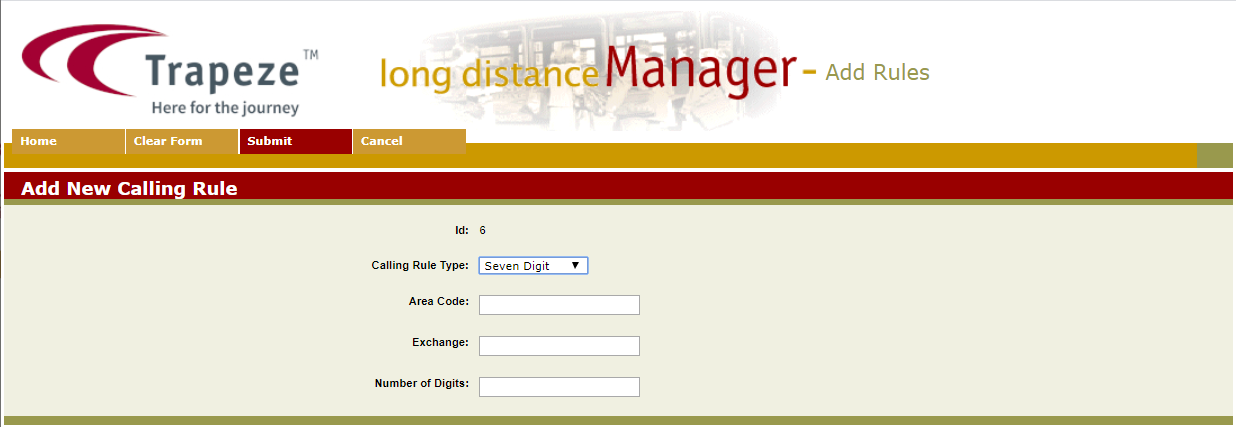
Add New Calling Rule screen appears.
-
In the Calling Rule Type list, choose the appropriate rule
type.
-
In the Area Code field, type the area code to which you want to apply the new rule.
- Optional:
In the Exchange field, type the exchange to
which you want to apply the new rule.
- Optional:
In the Number of Digits field, type the
appropriate value.
-
Click Submit on the screen toolbar.
An information page shows the selections you had made.
-
Click OK to return to the Long Distance Manager screen.