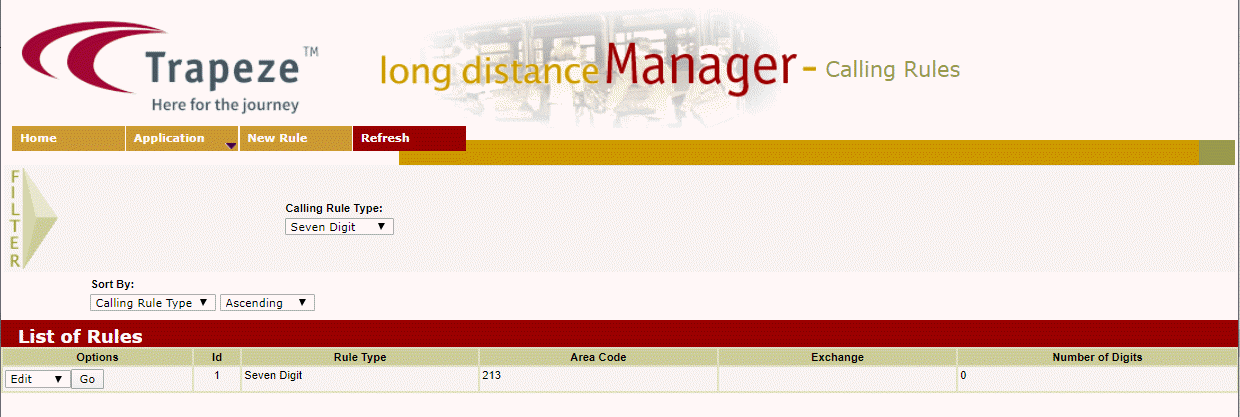
Viewing Call Rules Users can view the call rules through the Long Distance Manager screen. On the Filter pane of the Long Distance Manager screen, select the filter criteria you want to apply. Click Refresh on the screen toolbar. The calling rules that match the given criteria are displayed in the grid.