You can edit existing office data as required.
-
In the List of Offices grid, select the office you want to
edit.
-
From the Options list, select Edit.
-
Click Go.
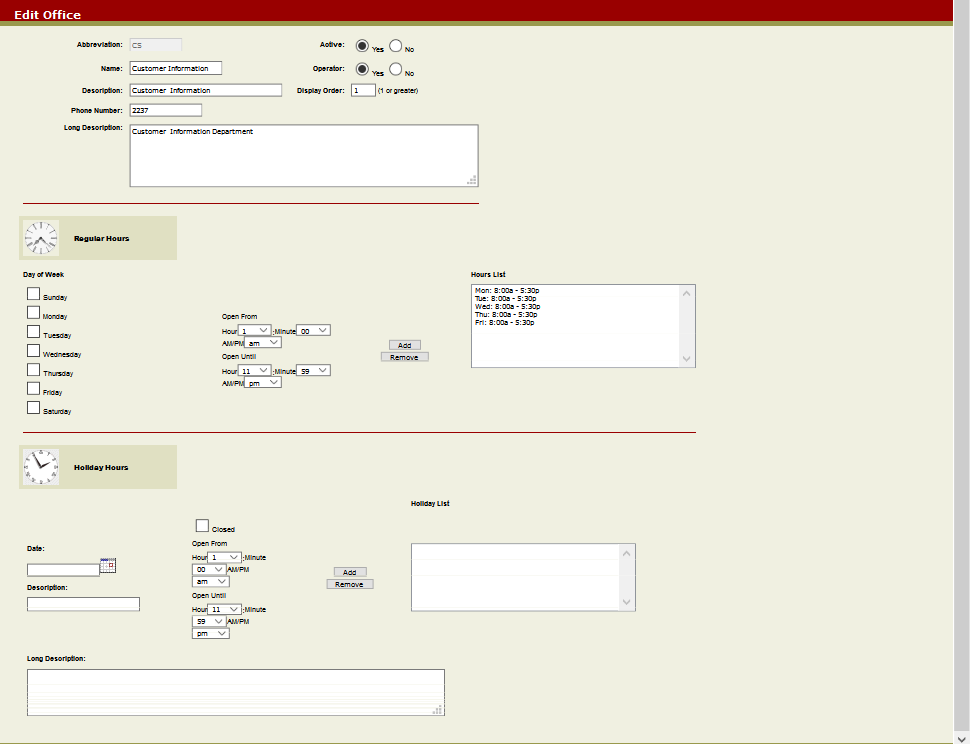
The
Edit Office screen appears.
-
Make the required changes.
-
Click the Submit button on the screen
toolbar.
The Office Update screen confirms that the office has
been updated.
-
Click OK to return to the Offices Manager
screen.