Create a distribution list by selecting a combination of addresses from distribution lists as well as by manually typing addresses.
-
In the Distribution List screen, click the
ToList field of the appropriate group.
-
In the screen toolbar, click the Email
Address button:

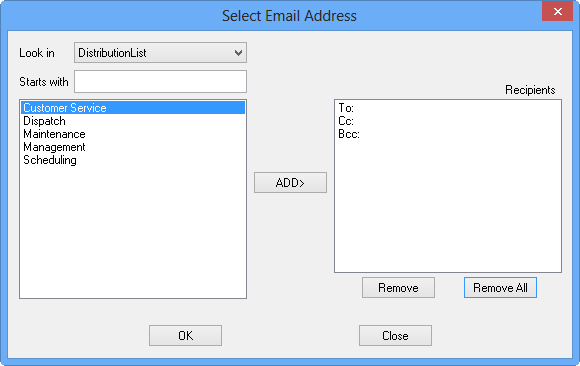
The Select
Email Address dialog box appears.
-
In the Look In field, choose Distribution
List.
The Distribution lists or groups created in ancillary data are shown in the left
frame.
-
Select the appropriate distribution list and click Add.
All addresses from the selected distribution lists are shown in the
To, CC, and BCC fields in
the Recipients frame.
-
Click OK.
The Distribution List screen is populated with the selected addresses.
