
Sorting Notifications on the Grid
The Sort option allows you to view the data in an order different from the default or a previously set order.
-
From the shortcut menu, click Sort.
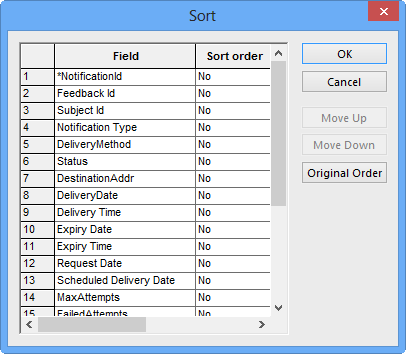
The Sort dialog box appears.
The Sort option allows you to view the data in an order different from the default or a previously set order.