
Editing Passenger Information
After a pick-up event is marked arrived, you can edit passenger information if required as part of the perform action.
- Tap Perform.
-
If there are multiple passengers, tap and hold the client's name.
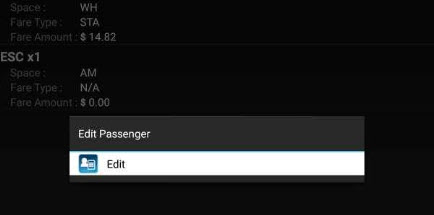
- Tap Edit to begin editing passenger information.
- Tap Passenger Type and select the appropriate type (for example, client).
- Tap Space Type and select the type of space the passenger occupies on the vehicle (for example, ambulatory).
- Tap Fare Type and select the fare for the trip (for example, free).
- Tap Passenger Count and enter the total number of passengers.
-
Tap Fare Amount and enter the amount collected.
If you do not enter an amount, the Fare Collected value is assumed to be the Fare Type amount. If you did not collect any fare, you must enter 0 (zero).
-
Tap
 to save your changes.