
Marking Events Performed
Events that have been marked Arrived must be marked Performed also. If the Enable Quick Perform property is off, you can view and change passenger and fare information.
-
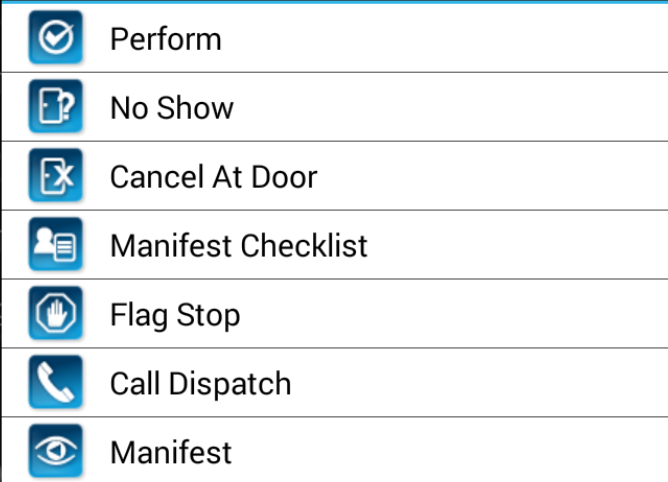
In the Manifest, tap and hold the pick-up event to be marked as
Performed.
A menu appears.
-
Tap Perform.
If Enable Quick Perform is off, passenger information is displayed. You can review and modify it.
-
If the Signature Capture property is on, ask the client to sign in the
Signature field.
If the client makes an error, tap Redo and ask them to sign again.
-
Tap OK.
If additional passengers were added, the Fare Confirm screen appears.
- If required, edit the fare amount and tap OK.