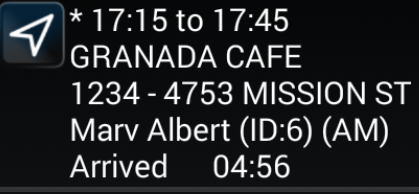
Marking Events Arrived
When you arrive at an event location, mark the event as Arrived.
-
In the Manifest, tap and hold the event you want to mark.
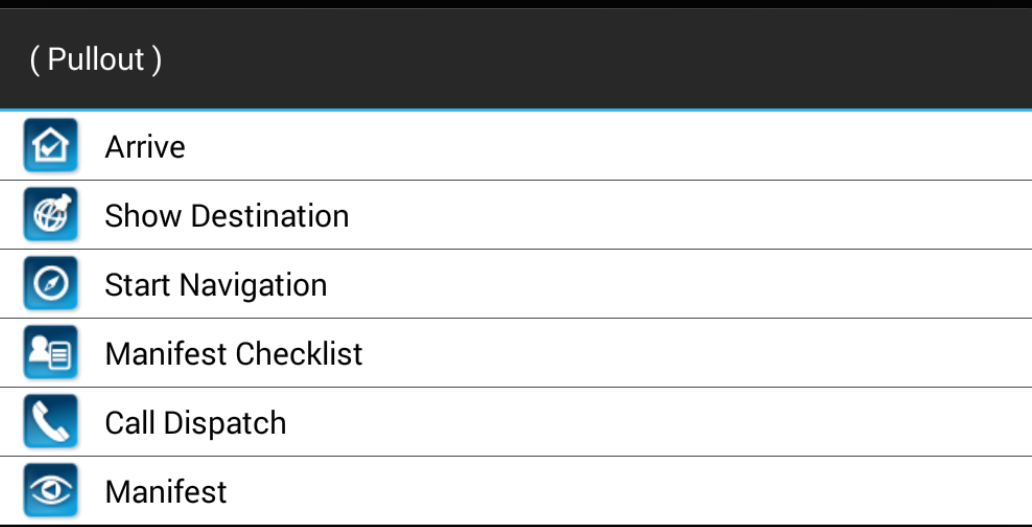
A menu appears.
-
Tap Arrive.
Arrived is displayed in the event entry in the Manifest. The arrival time is sent to the dispatcher. If the event is a pick-up, a timer appears counting down the time (as specified in the No Show Waiting Time property) until the event can be marked as No Show. If the event is part of a group trip, the Group Trip screen appears with the events marked Arrived.