
Collecting Fares With EZ-Wallet
You can collect fares using EZ-Wallet when performing a pick-up.
-
Perform the pick-up.
The Current Passenger screen is displayed.
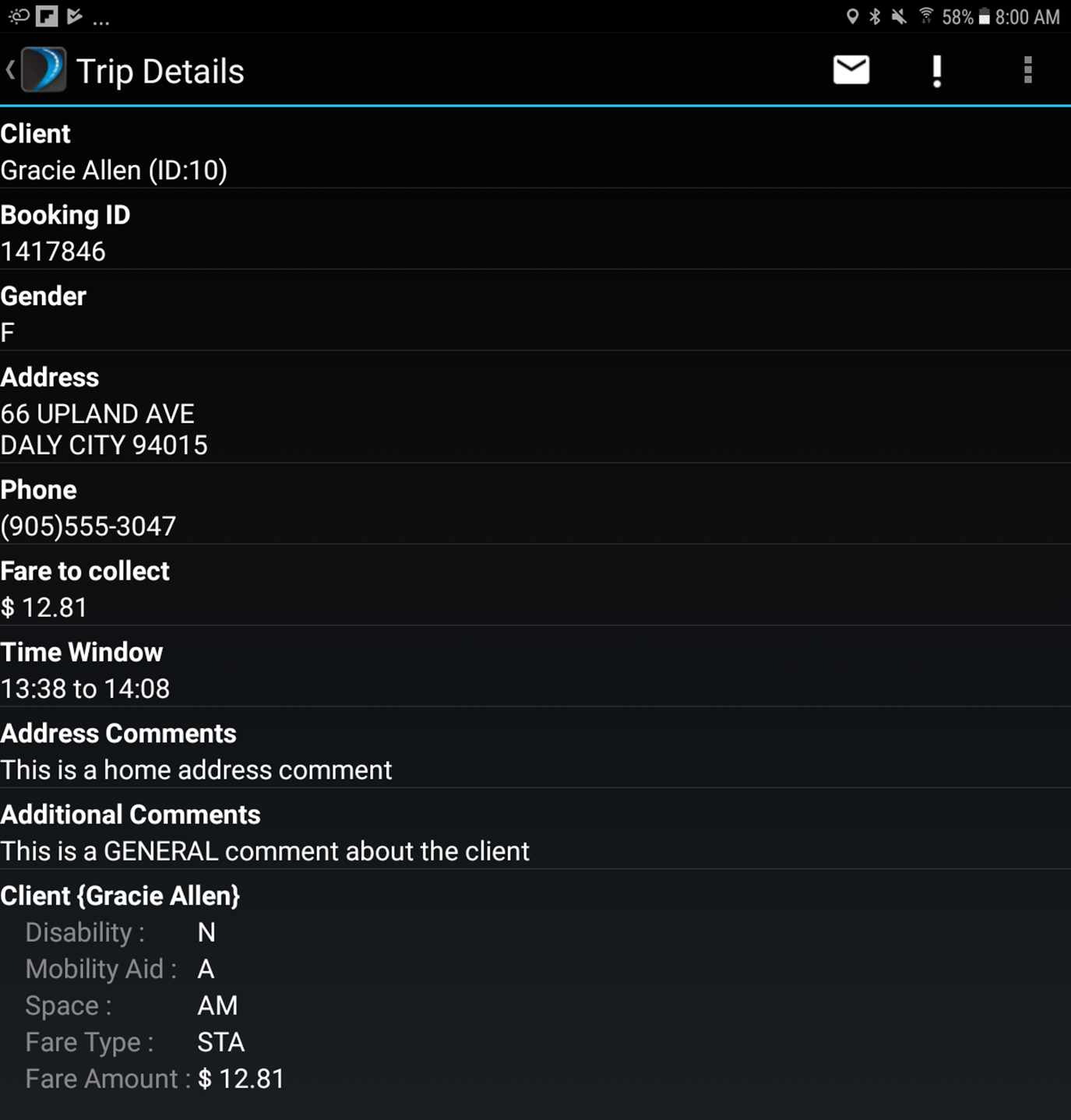
- Edit the fields as required.
-
If there is an additional passenger, tap

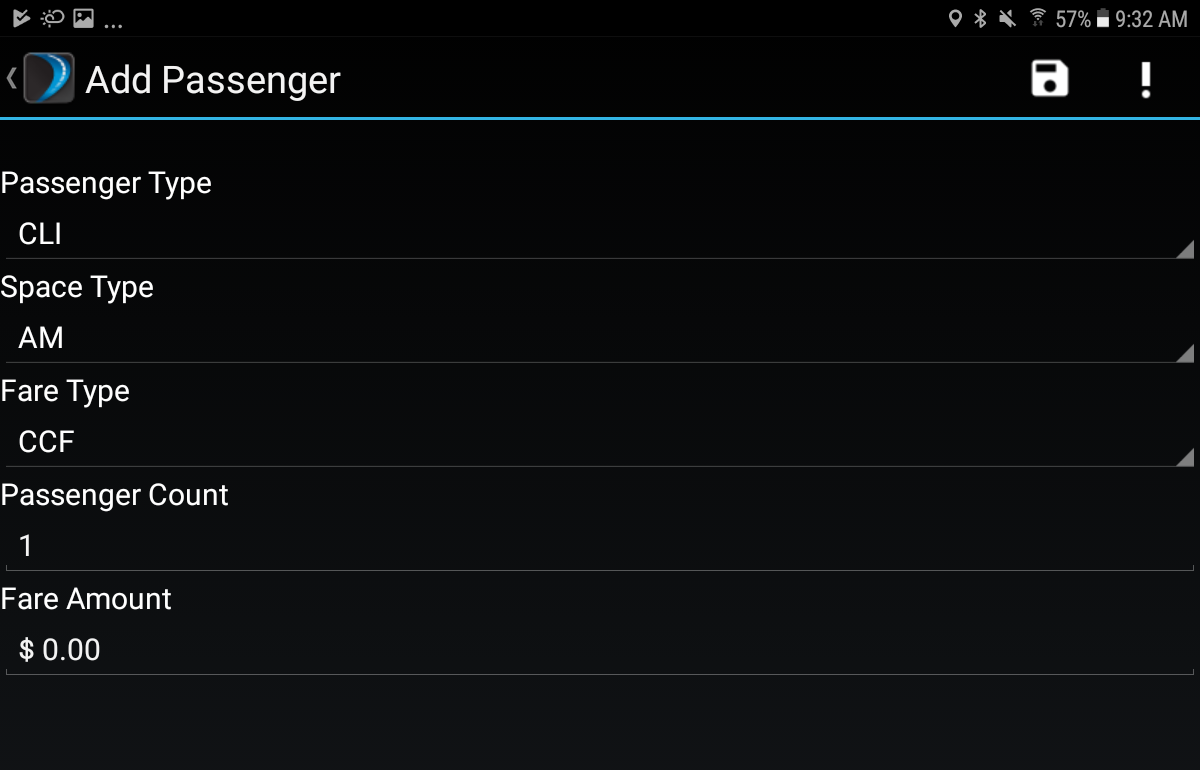
- Edit the fields as required and repeat the process for as many additional passengers as needed.
-
Tap
 .
The Fare Collection Summary screen is displayed. A red bar indicates the fare is not yet collected. Green indicates no fare is required or the fare was collected. If your agency allows fare collection at drop-off the Collect Fare on Drop off button is displayed. Tap the button to defer fare collection to drop-off. If required, you can edit the passenger data.
.
The Fare Collection Summary screen is displayed. A red bar indicates the fare is not yet collected. Green indicates no fare is required or the fare was collected. If your agency allows fare collection at drop-off the Collect Fare on Drop off button is displayed. Tap the button to defer fare collection to drop-off. If required, you can edit the passenger data.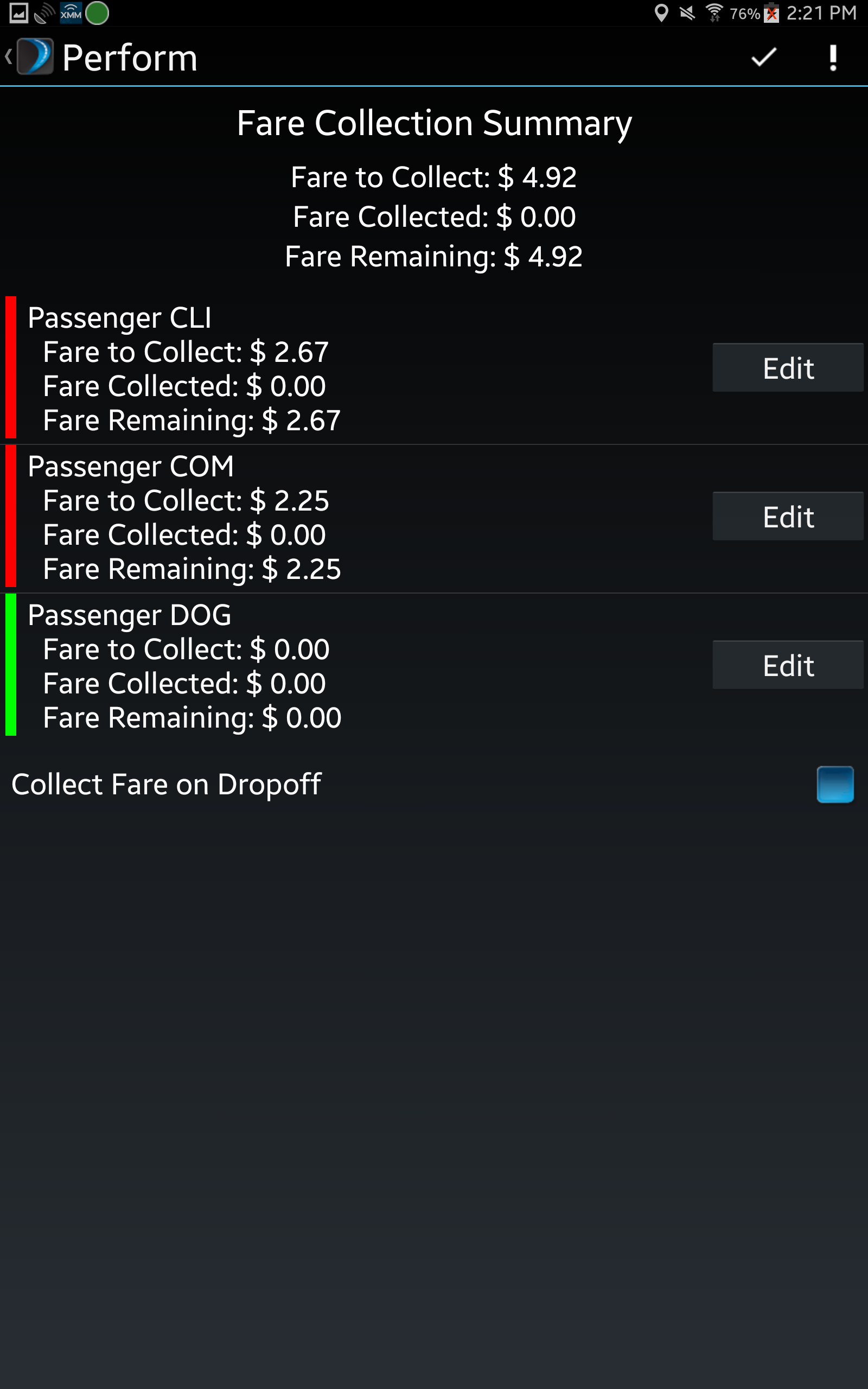
-
Once you have collected the fare, tap
 to complete the transaction.