
Opening Polygon Definition
Polygon Definition allows you to define, edit, and file polygons according to type.
Before you begin
About this task
Procedure
-
Click the System Map button:

The system map appears. -
Click .
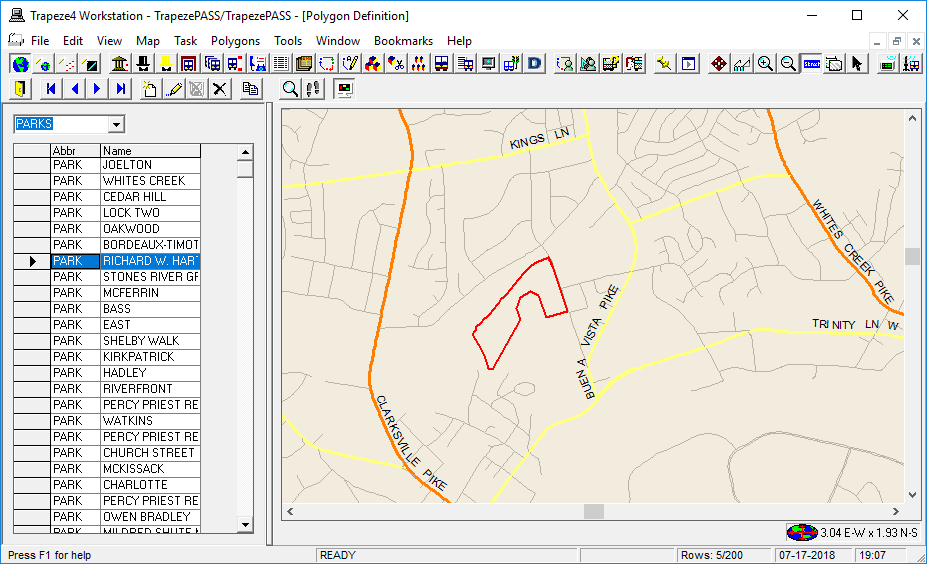
Polygon Definition appears.
-
From the drop-down list in the upper-left corner, select a polygon type.
ADA or Parks are commonly used polygon types.
-
Select a polygon to show on the map.
Press CTRL while clicking polygon names to show multiple polygons on the map.