
About Determining the Best Solution
When the system looks for solutions, the first solution it provides is typically the best solution.
These solutions are based on solution parameters: the early/late window the system uses to look for solutions, and how the number of solutions you receive are determined. The system places the solutions it finds in a numeric order.
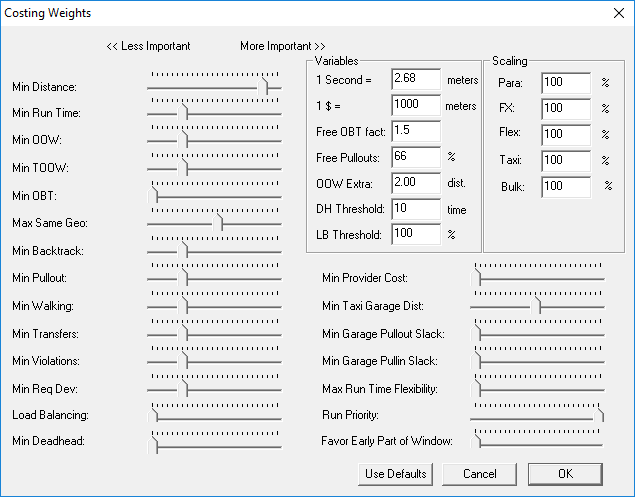
Costing Weights settings determine priorities when the system looks for solutions. Weights with indicators to the right have higher priority than ones set closer to the left. When indicators are all the way to the left, the weight factor is turned off.
To adjust a setting, click and drag an indicator left or right. These settings are initially determined by your Trapeze representative and should only be adjusted with caution by system administrators. For more information, see a system administrator.
Adjusting a weight by just one notch can greatly affect the scheduling algorithm.