
Specifying Shelter Status
You can define shelter statuses using effective dates.
Before you begin
About this task
Trapeze recommends adding a new status record instead of changing the record of an existing shelter. The system will automatically create a new status record after the status record's end date (To Date). For example, if a shelter's status is changed to "Closed" from April 1 to April 7, the system will automatically create an "Active" record for April 8.
Procedure
- Search for and open the Shelter record.
-
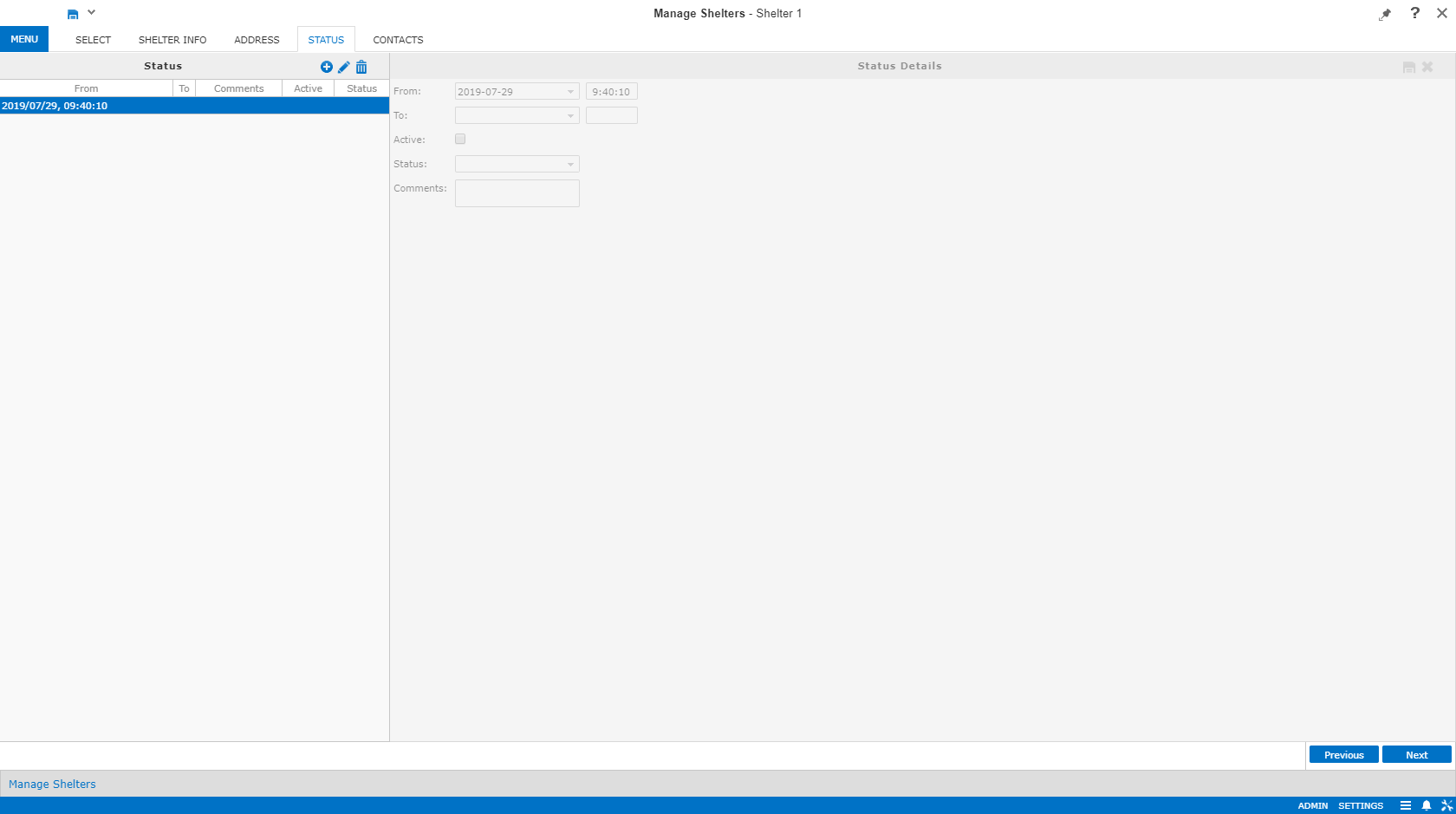
Click the Status step.
The Status and Status Details panes appear.
-
Right-click in the Status pane and click
New.
The Status Details pane is renamed to New Status.
-
In the New Status pane, provide the following information as needed:
- From Date
- Start date and time for the status.
- To Date
- End date and time for the status.
By leaving these fields empty, the shelter is assumed to be active until further action is made to inactivate it by adding a new status.
- Active
- Indicates whether clients can be assigned to the shelter.
- Status
- Status of the shelter.
Status Types are defined in ancillary data using the Configuration screen.
- Comments
- Any comments about the status.
Comments entered here do not appear in any other screens.
-
Click Save.
A Confirm Status Changes dialog box shows existing status records in the Existing Status pane and the resulting status records in the New Status pane.
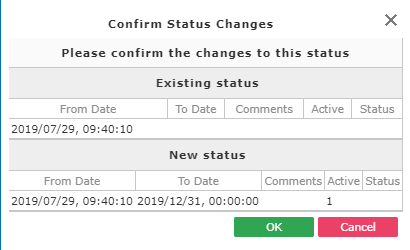
- Review the information and click OK to apply the change.