
Adding Address Information
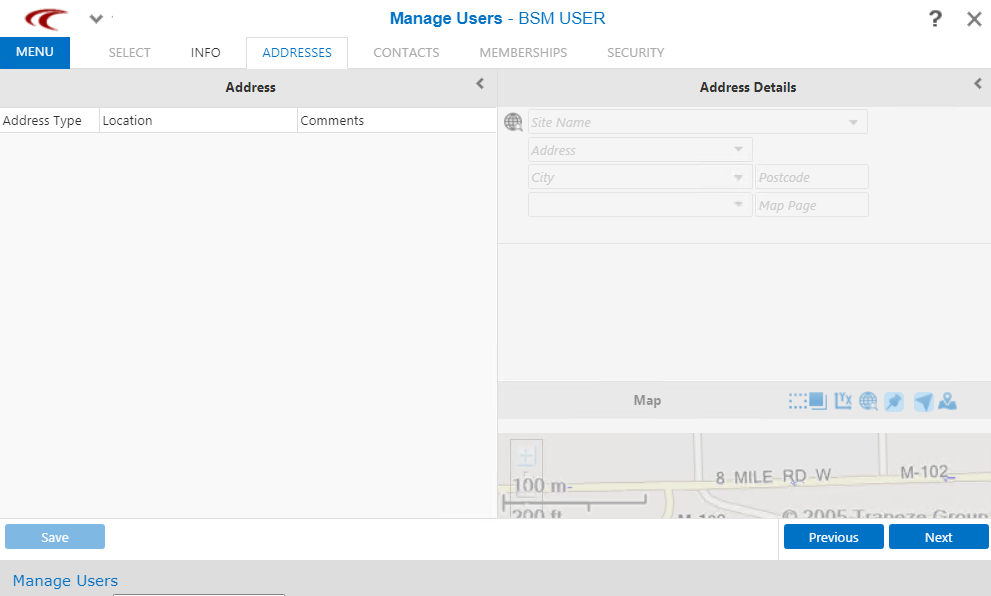
You can add the basic information of the user using the Address and Address Details panes of the Manage Users screen.
-
Open the Addresses tab:
-
On the Address pane, right-click. From the shortcut menu, choose
Add Address and select the type of address you want to add, for
example, Home or Work.
A new entry, New Address appears on the Address pane and the Address Details fields are enabled.
-
Enter the address in the appropriate fields and click
Save.
The new address is shown in the Address pane.
- Click Save.
- Optional: Click Next to proceed with adding other information.