
Changing User Passwords
The Security tab of the of the Manage Users screen allows you to set user passwords.
-
Open the Security tab:
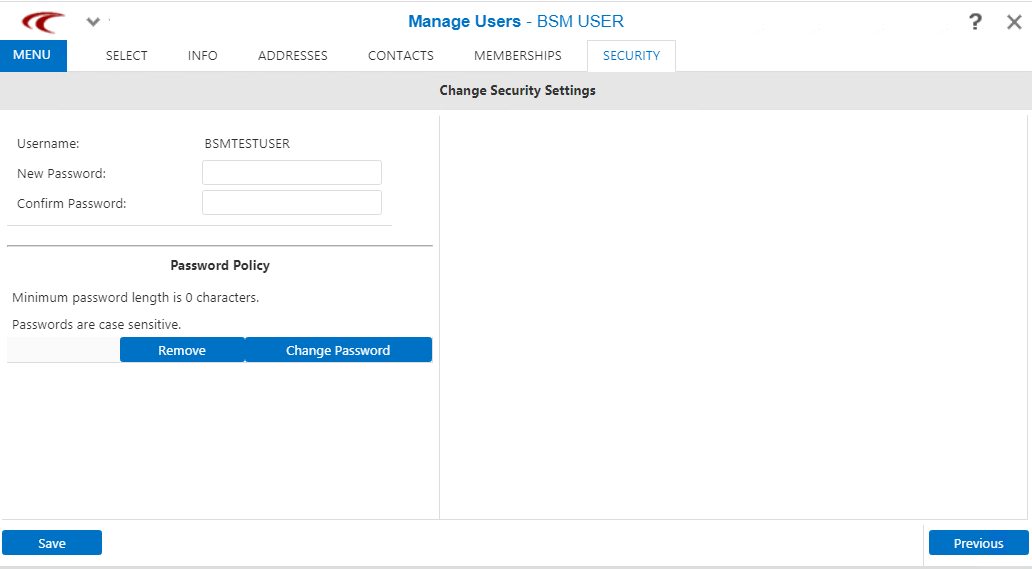
-
Specify values for the following fields:
- Username - The name of the selected user is shown.
- New Password - Password based on your site’s password policy, if any.
- Confirm Password - Re-type the new password.
- Click Save.
- Optional: Click Previous to review information on the other tabs.