
Adding Waits and Travels
When drivers have to travel to relief points to start work, add waits and travels to properly cost your runs.
-
Click .
The Waits and Travels dialog appears.
-
Click Add.
The Add dialog appears.
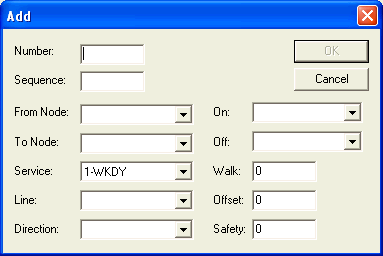
- Fill in or click the appropriate value in the various fields as applicable.
- Click OK.