
Saving Roster Scenarios
Apply the Roster Scenarios function when you require different rosters for specific time periods, for example, during holidays. The rosters are saved into the database instead of into a file.
-
Click . The Roster Scenarios dialog box appears.
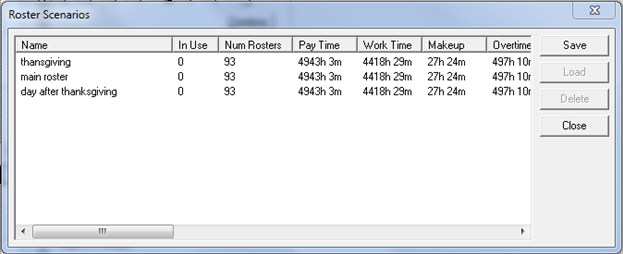
-
Click Save. The New Scenario dialog box
appears.
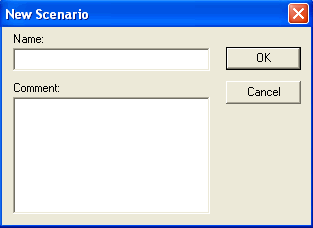
- In the Name field, type a name for the scenario.
- Optional: In the Comments field, type a comment to describe the scenario.
- Click OK. The scenario is added to the Roster Scenarios grid.