The Employee Activity screen shows work and absences for the
week.
A gavel icon appears in the Status column for work on days that
haven't been activated. Leave appears in the Work
Type column for absence associated with absence quotas.
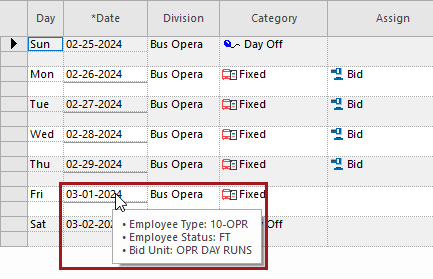
To see the Employee Type, Employee Status,
and Bid Unit for a date, point to the date when the employee has
work assigned.
To see detailed information about a piece of work, right-click the work and select
Detail.
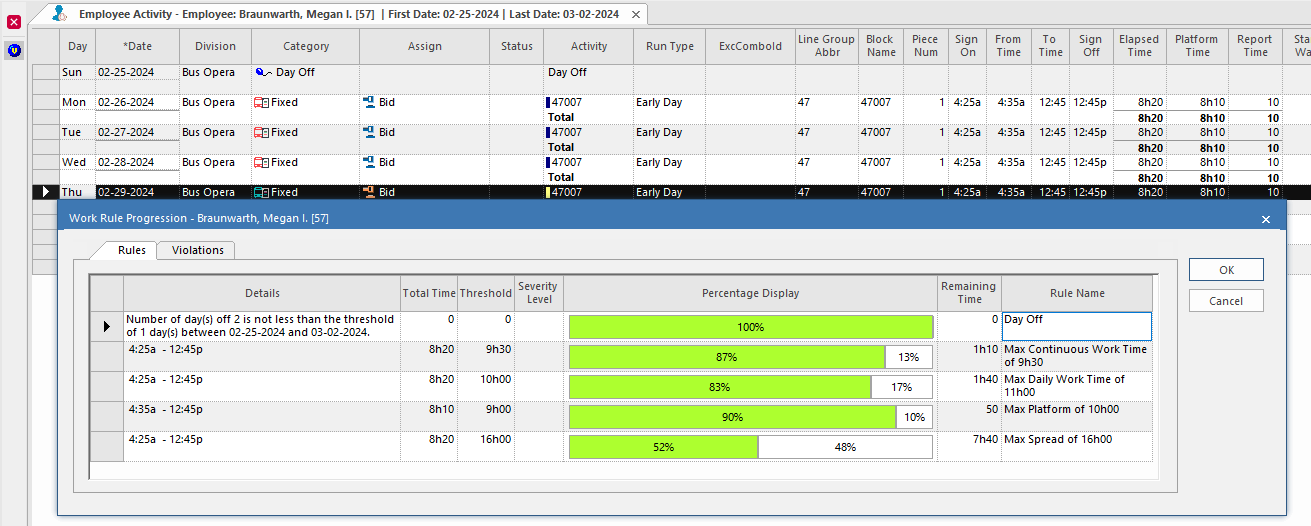
To see Work Rule Progression for a day, select a row and then
View Work Rule Progression:
Note: Custom rules are always shown, even if there
are no warnings or violations.