
Booking Casual Trips
Casual trips are trips that are not made on a regular basis.
- Optional: On the top bar, choose the appropriate month and year of the trip you want to book.
- Click the date when you want to book the trip.
-
Click the Request a Ride button:
 The Request a Ride screen appears.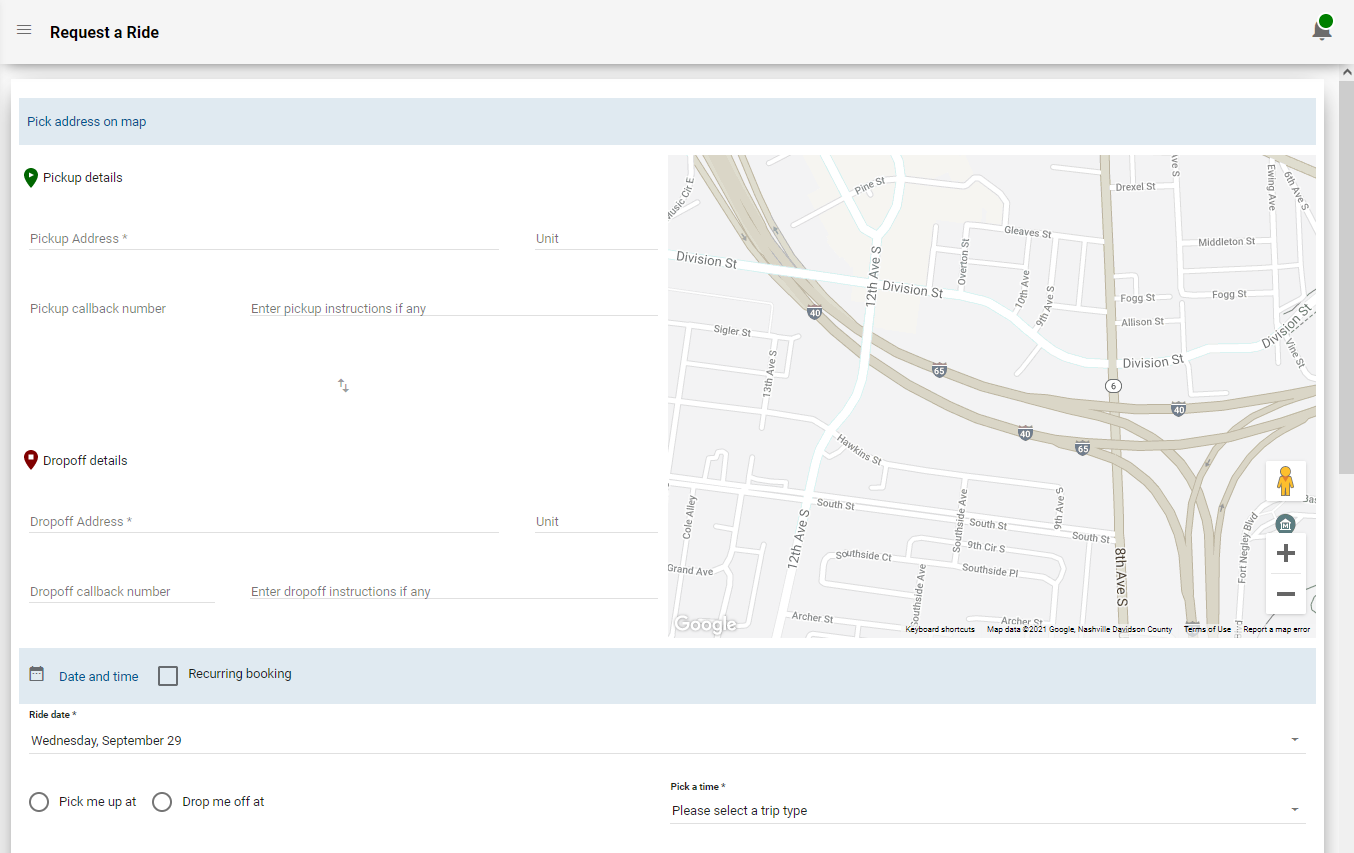
- Fill in the pick-up and drop-off details and other information of the requested trip as required.
- Optional: To change the trip times, click Leave Earlier or Leave Later or to make other changes to the trip, click Modify Reservation.
-
Click Reserve Ride.
A summary of the trip details is shown in the confirmation screen.
When you do not fill in the mandatory fields, the trip is not saved. You are prompted to complete these fields before the trip is saved.