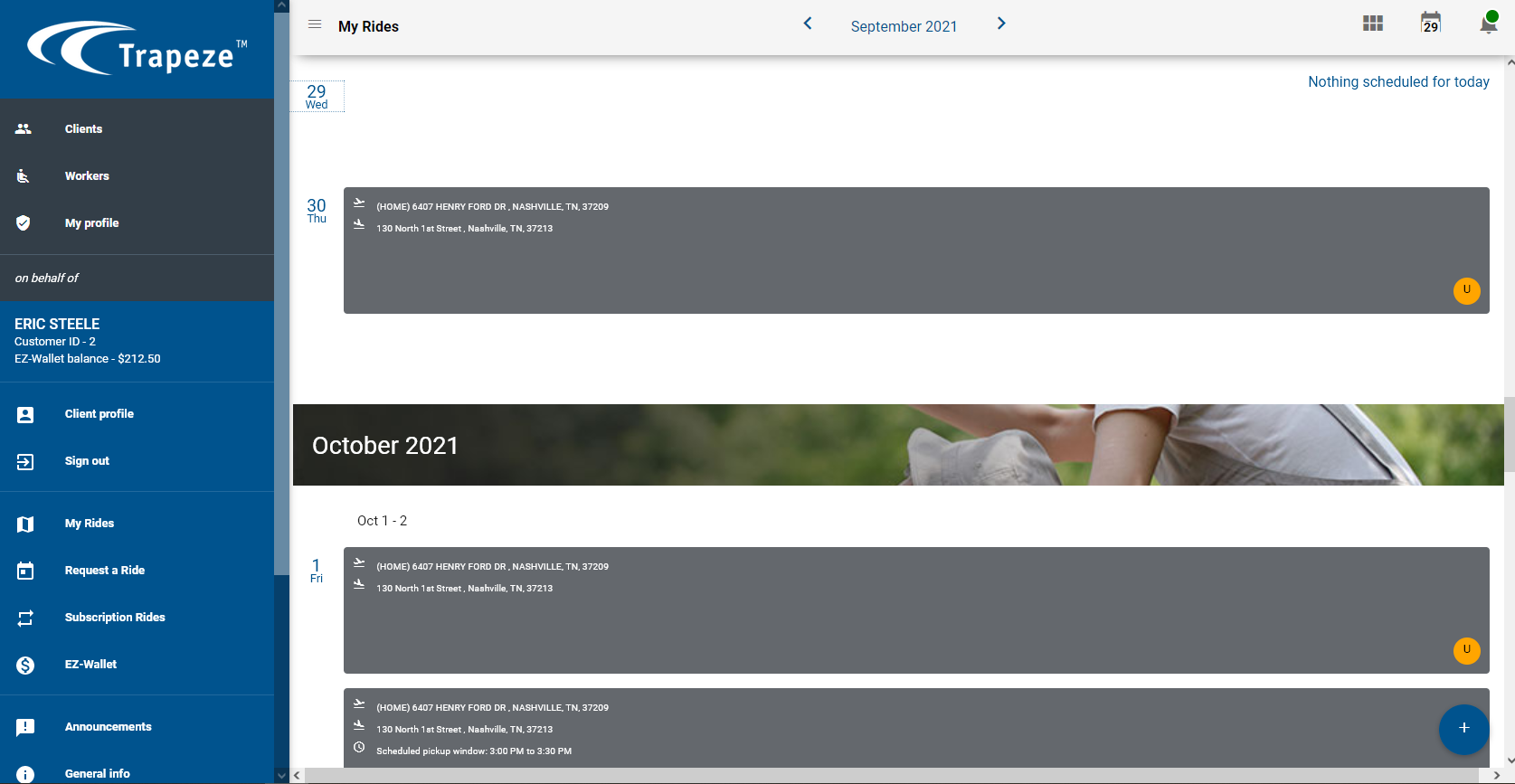
You can sign into PASS-Web G3 using your own login information to access the accounts
of the clients that the WebCare administrator has assigned to you.
When an administrator of Trapeze WebCare assigns you to support a client who has
a PASS-Web G3 account, you are automatically provided access to the client's
account.
In the PASS-Web G3 login window, enter your user name and password and click
Sign In.
The PASS-Web G3 screen appears. The right pane shows the trips of a
client assigned to you.