
Sending Feedback
The Comments and Feedback window allows client to submit complaints and suggestions to the transit agency. If allowed, it can also be used to submit change of physical or email addresses.
-
On the Navigation pane, click Feedback.
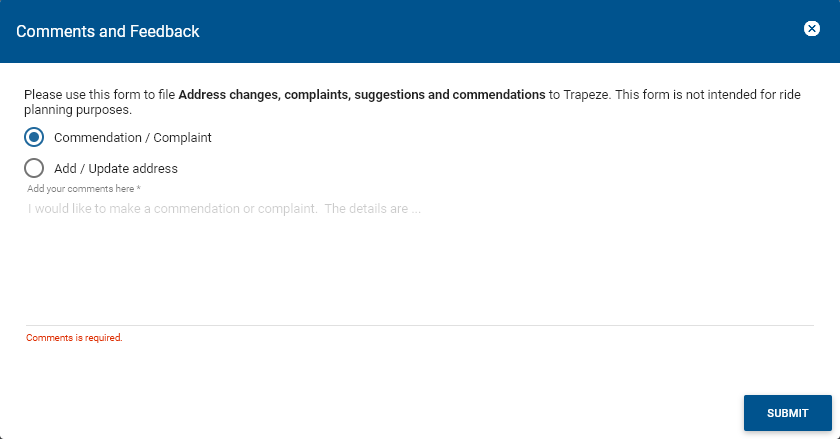
The Comments and Feedback window appears.
-
Choose the appropriate type of feedback that applies:
- Commendation/Complaint
- Add/update address
- Required: Enter the information you want to submit in the blank field.
- Click Submit.