
Editing Dashboard Tiles
Dashboard tiles can be edited to create a different feel or to add a specific URL.
-
On the dashboard tile, select .
The Tile details pane appears.
- Select whether to Display title and subtitle, and update the names if needed.
-
Select whether to Display last refresh time.
Information is automatically updated in the dashboard tile.
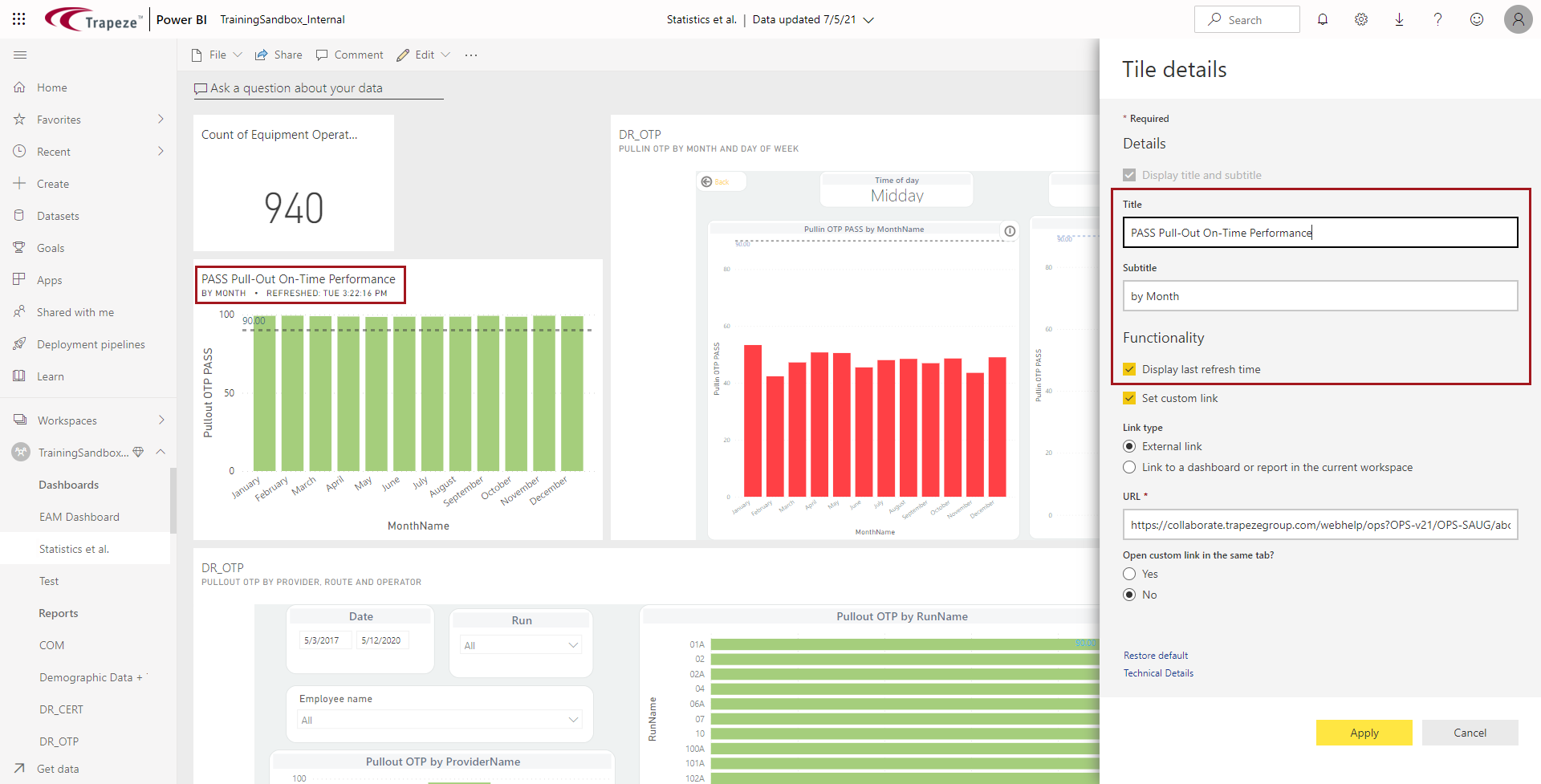
- Select whether to Set custom link. If so, select the Link type, enter the URL and select whether the link should open in the same tab or not.
- If needed, you can Restore default or view Technical details for the tile.
- Optional: To delete a tile, on the dashboard tile, select .