Pinning Tiles to Dashboards
Dashboard tiles can be created from reports or pinned from other dashboards.
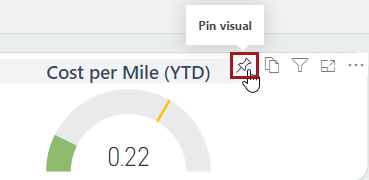
- Open a report and locate the visual to be pinned to the dashboard.
-
Select Pin visual.
To pin a tile from another dashboard, open the dashboard using the tile and on the tile, select . -
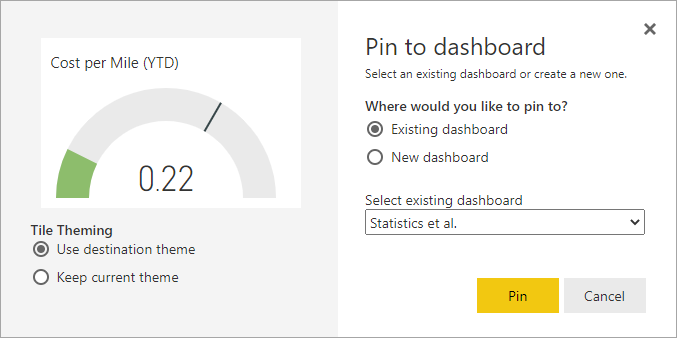
Select an Existing dashboard or New
dashboard and select or enter the dashboard name and select
Pin.