
Pinning Reports to Dashboards
Pinning an entire report to a dashboard allows drillthroughs to work as expected.
- Open the report to be pinned to the dashboard.
- Select the report page to be pinned.
-
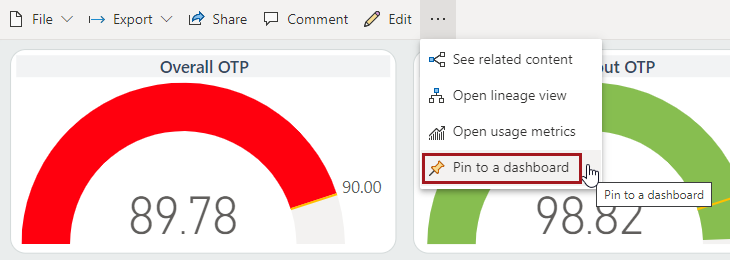
Select .
-
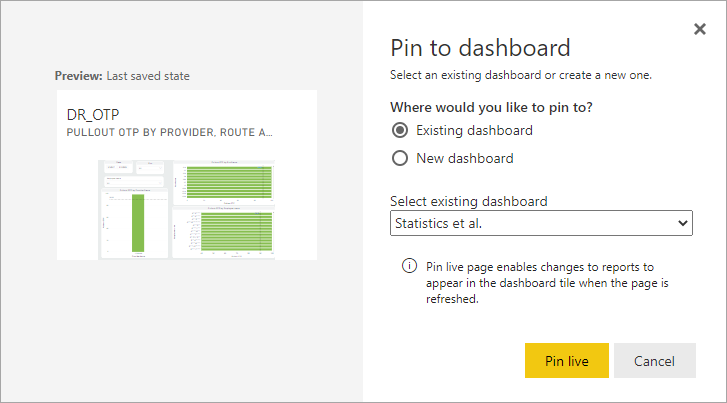
Select the dashboard type to use, select or enter a dashboard name, and then
select Pin live.
-
Close the Edit mobile layout message.
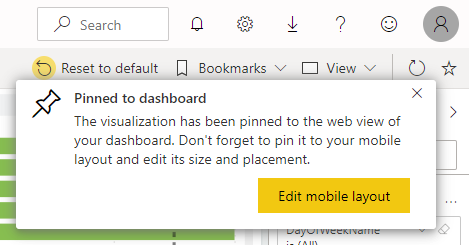
Mobile options are not currently available for ViewPoint.