Place text in quotation marks for exact match search results.
Collecting Fares with the Built-In Back Camera
You can collect a client's fare by capturing an image of his or her credit card using
the built-in back camera on your android device. If your agency permits the option, you can
collect the fare at drop-off.
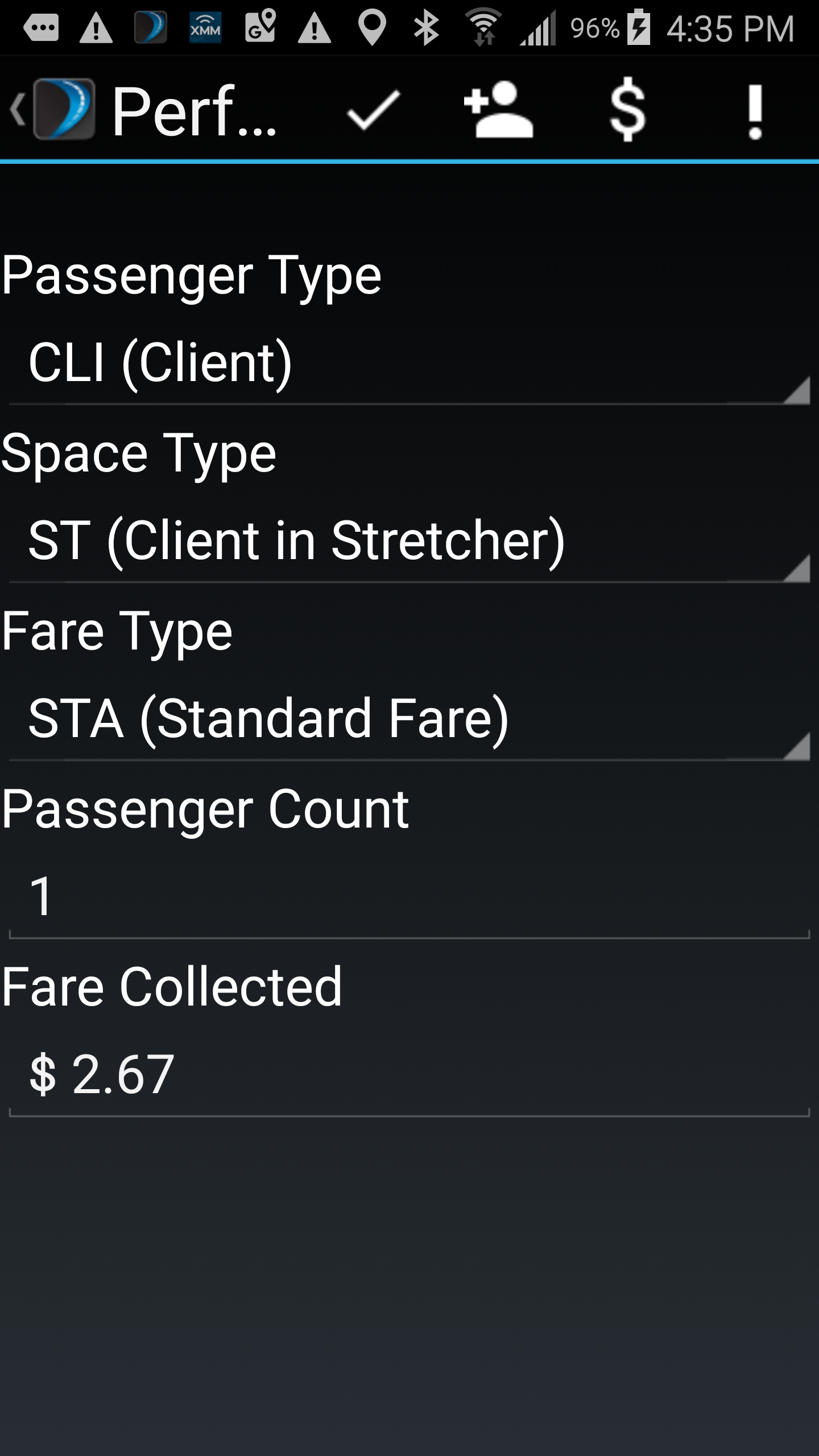
Tap in the Perform screen for to activate your Android device's back
camera.
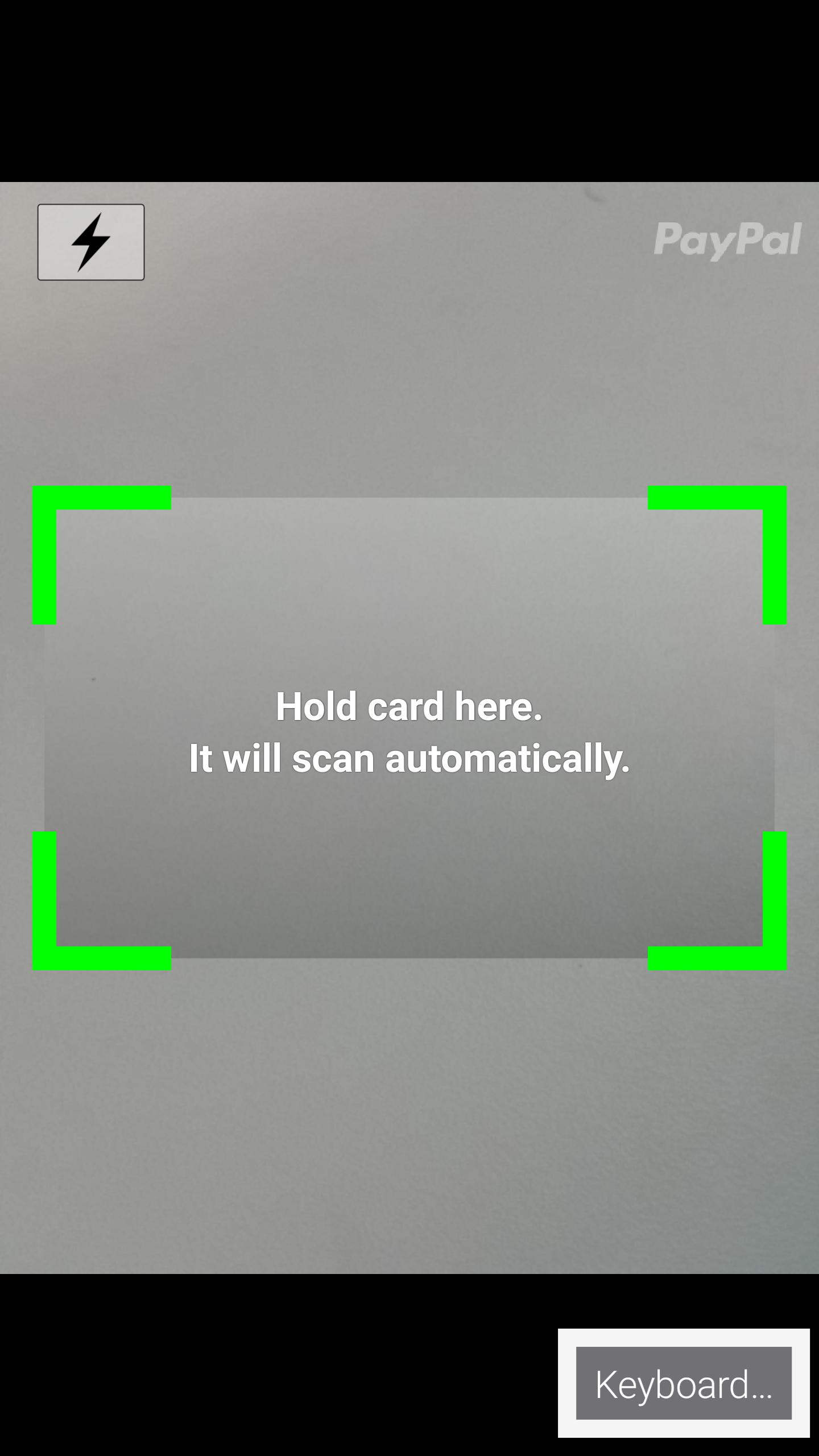
Center the on-screen rectangle on the client's credit card.
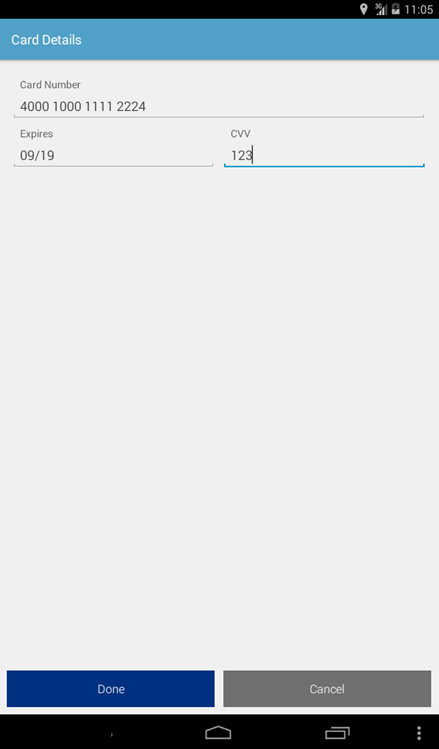
The camera will automatically capture the image and switch to the Card
Details screen. If the image capture is successful, all of the card's details
are automatically filled in.
Note: In the event that the image capture is
unsuccessful, you can manually enter the card details on this screen.
Tap Done to complete the payment.
Note: The Done button only becomes available if all of
the fields contain valid values. For example, if the credit card number
length is incorrect or there is an invalid expiration date, the button will
not be available.
You are returned to the Perform Screen and a payment result is
displayed. If the transaction is successful, a Transaction ID, Authorization
Number, and approved message is provided. If the transaction is unsuccessful, an
error message is displayed.

 in the Perform screen for to activate your Android device's back
camera.
in the Perform screen for to activate your Android device's back
camera.
 Note: In the event that the image capture is unsuccessful, you can manually enter the card details on this screen.