
Viewing Location, Provider and Funding Source Contacts
When viewing information in any screen in PASS, you can access contact information for locations, providers and funding sources.
Procedure
-
Press CTRL + F3.
The Contact Category dialog box appears.
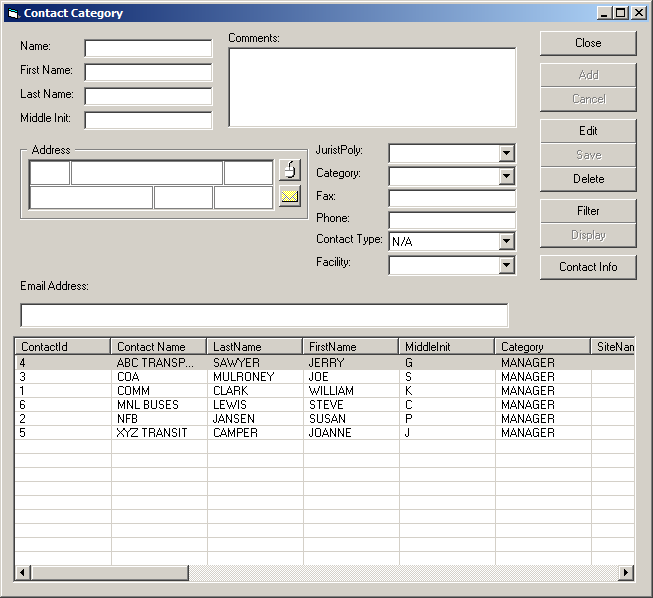
- Click Filter.
- In the top pane of the dialog box, use the Contact Type and Facility lists to type criteria for the location, funding source, or provider for which you want to view contact information.
-
Click Display.
Contact information that matches the specified criteria appears in the lower pane of the dialog box.