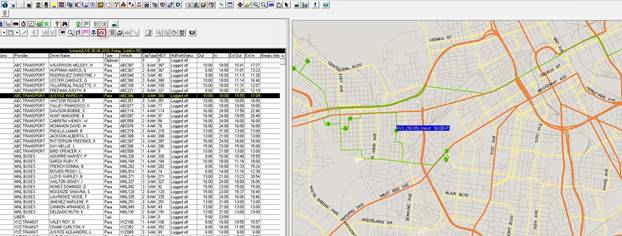
Viewing Run Itineraries on the System Map
The run itinerary view shows a complete list of events scheduled to a specific run.
About this task
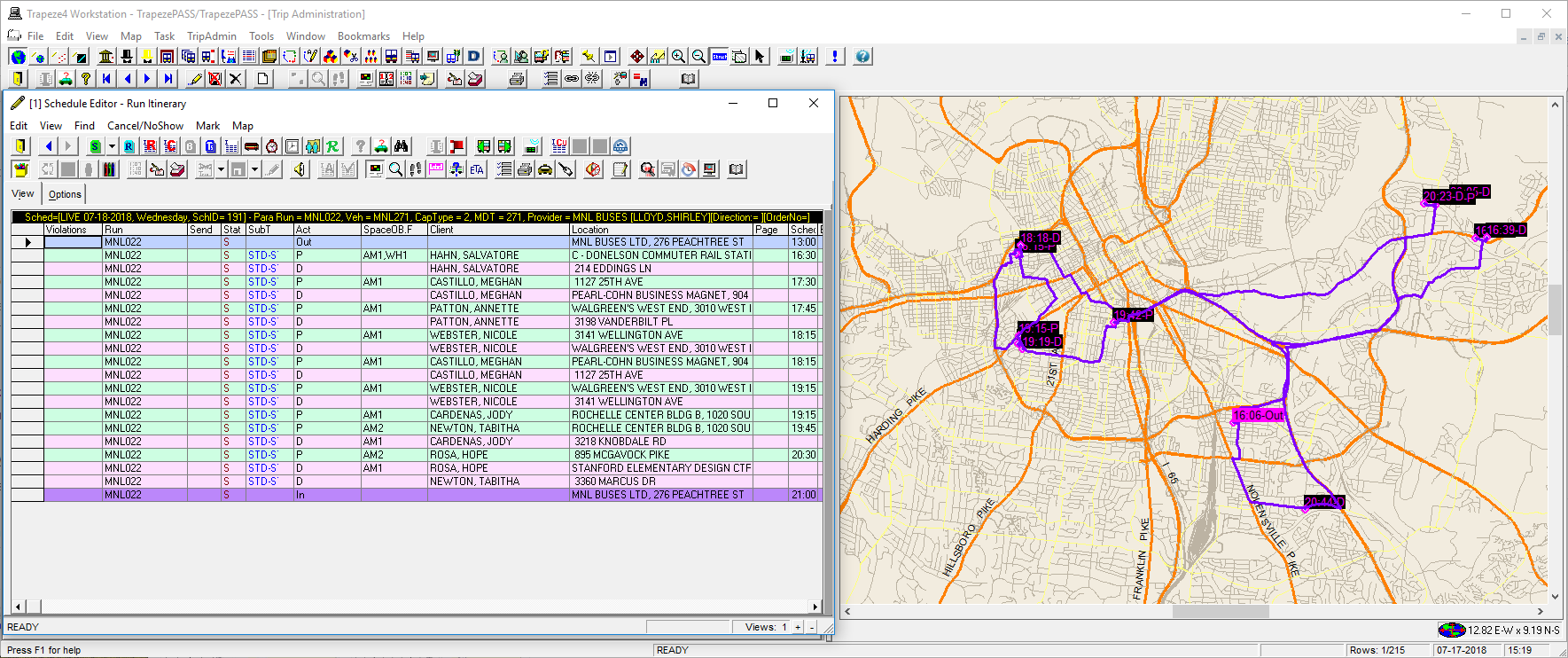
If desired, routing can be shown using street routing instead if the Street Route Traces for Runs property (found in , on the Tools tab, under ) is enabled. Contact a system administrator for assistance enabling this property.
The color of the itinerary line is set in , on the Tools tab, under
Procedure
- Do one of the following:
- Click .
- Press Ctrl + M.
- Click the System Map button:

The system map appears. - Click .
-
Click the Display Schedules button:

- Click a schedule in the Schedules grid.
- Click the Display Runs button:

Runs view appears. -
Click the Display on Map button:

Runs are shown on the map. -
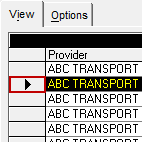
To view multiple run itineraries, hold Shift to select adjacent
rows, or hold Ctrl to select non-adjacent rows, and then click the
row headers of the runs.
-
To view the time and location of multiple events on the run itinerary, click the run to
view, and then click the Display Runs Itinerary button:

- Optional:
If AVL data is available, click the ETA button:

Results