
Defining Travel Exclusion Rules
Travel Exclusion Rules ancillary data allows you to set rules for who can travel with specific Object Type/Object combinations.
About this task
Procedure
-
Click .
The Travel Exclusion Rules dialog box appears.
- Click Add.
- Select an Object Type.
- Select an Object.
- Select a Rule Type.
- Click Add.
- Select the newly created Object Type/Object combination.
- Click Edit.
-
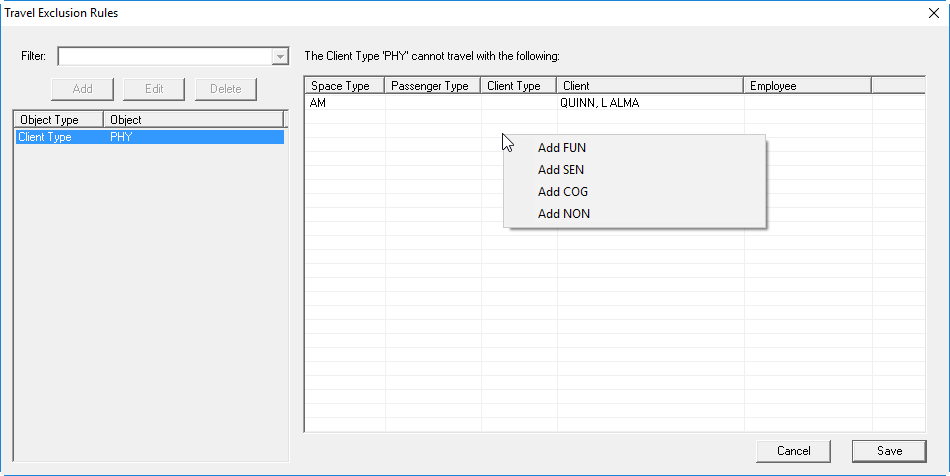
In the rules grid, right-click in a column and select the appropriate
Add options.
-
Click Save.
The selected Object Type/Object combinations are added to the list with rules to prevent them from traveling with the original Object Type/Object combination.