
Setting Dispatch Center Displays Options
When you open the Dispatch Center, you can filter available information to refine which unscheduled trips and runs you want to see in the Displays tab.
Before you begin
Procedure
-
Click the Options tab.
By default, the current live schedule is selected and no single provider, run group, run type, MDT group, vehicle type, or MDT message code is selected.
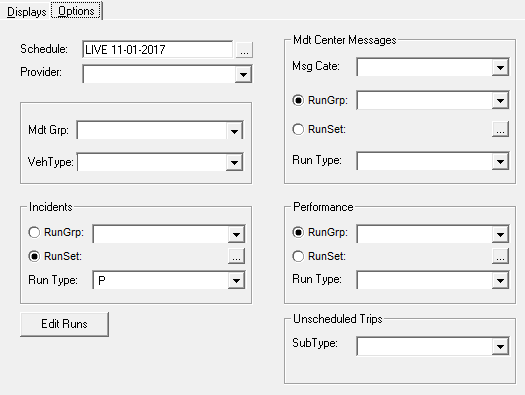
- Set filters as needed.
-
Click the Displays tab.
Information visible in the Dispatch Center grids matches the selections defined on the Options tab.