
Setting the Report Layout
The Output Layout screen allows you to specify the data that appears in the SQL query reports and how it is formatted.
-
Click the Output tab.
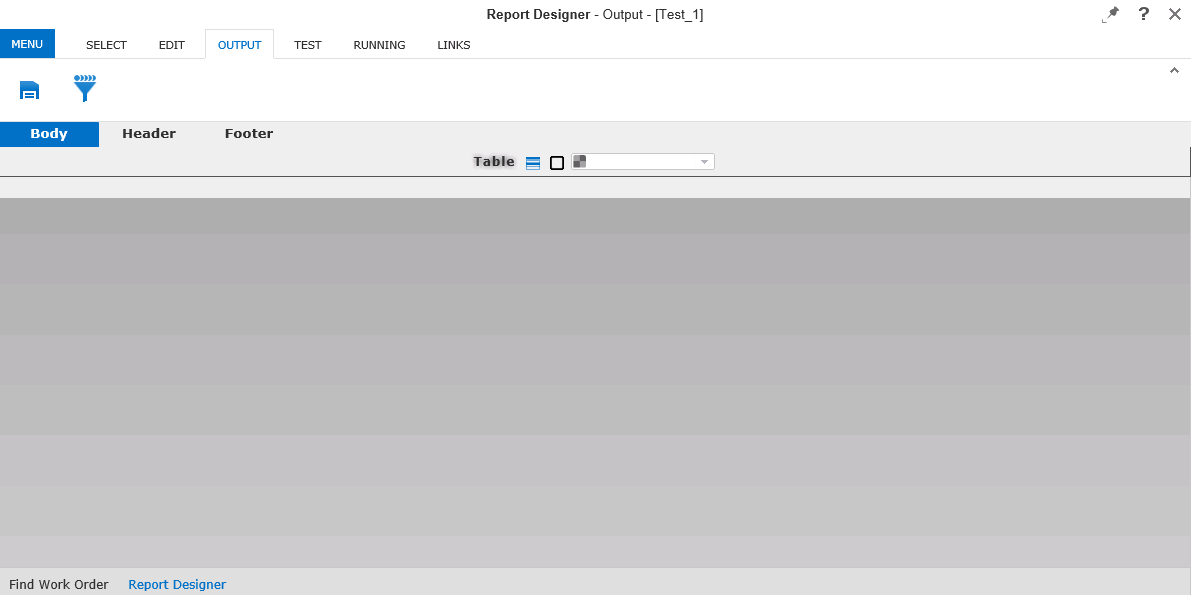
The Report Designer - Output screen appears.
- Optional:
Enter or select the appropriate values on the different tabs as necessary. The screen
displays the following tabs:
- Body: Configure the Table Row Properties and Pick Border dialog boxes and choose colors for the fields from the color palette.
- Header: Set the report header.
- Footer: Set the report footer.
-
Click the Save button:
 .
.