
Creating Parameter Layouts
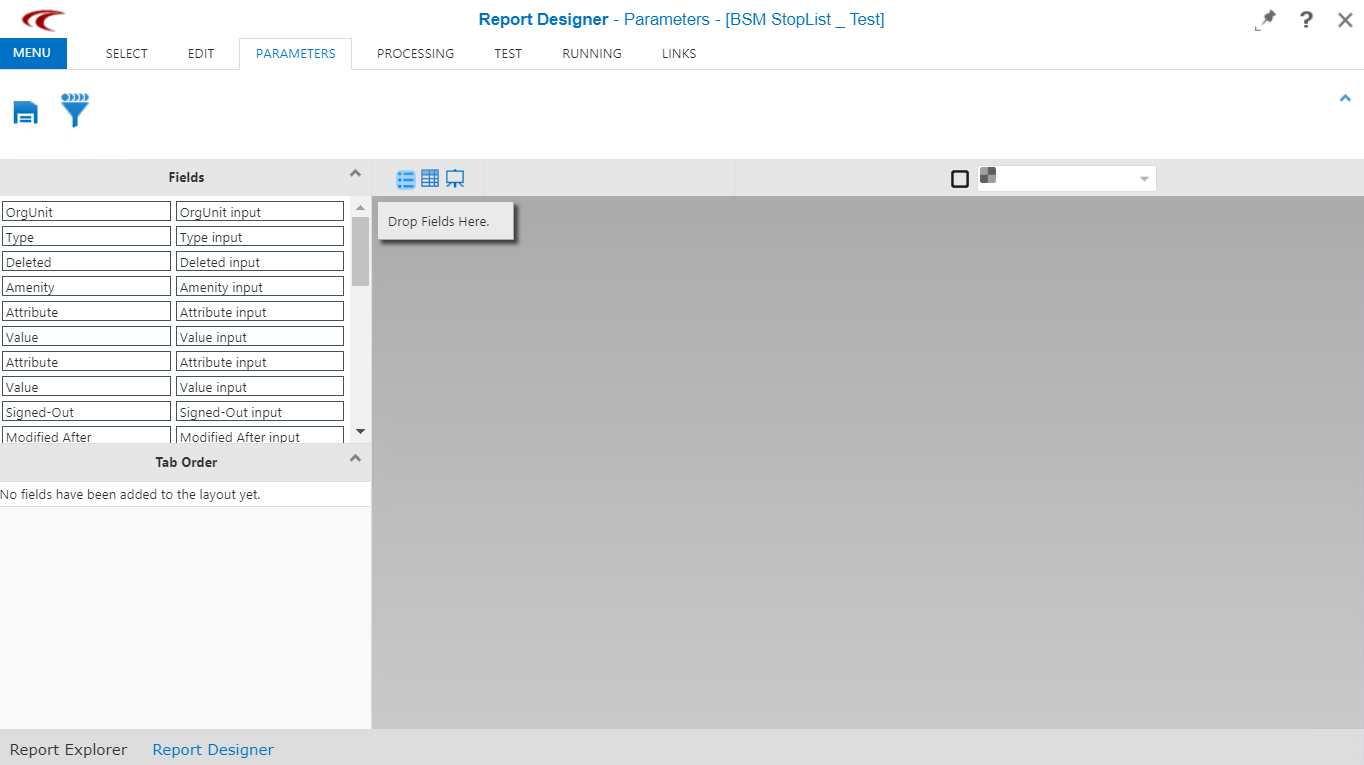
Use the Parameter Layout screen to arrange and customize the parameters shown in the Edit Parameters dialog box when viewing a report in the Dashboard.
-
Click Report Designer on the Reports
list.
The Report Designer screen appears.
- Click the report that you want to edit.
-
Open the Parameterstab.
-
On the screen toolbar, click the layout type you want:
- Flow - Lists each field with its field name.
- Grid - Shows a grid to help align the fields, which can be placed anywhere in the grid.
- Canvas- Show a blank canvas, which allows the fields to be placed anywhere on the page.
- Design the layout as required.
-
Click the Save button:
 .
.