Applying Deadhead Plot Changes to Other Service Groups
You can apply the same changes on a deadhead to other service groups.
-
After making the changes to a deadhead plot on the system map, click
Apply on the Plot tab.
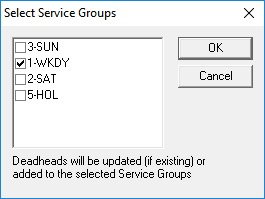
The Select Service Groups dialog box appears.