
Creating User-Defined Styles
You can add or clone styles. You can also create Supplementary Data Definition (SDD) clones.
-
In an SQL report, do one of the following:
- Select
- Select Settings:

- On the keyboard, press Ctrl and R.
The Report Settings dialog appears. -
Select the Styles tab.
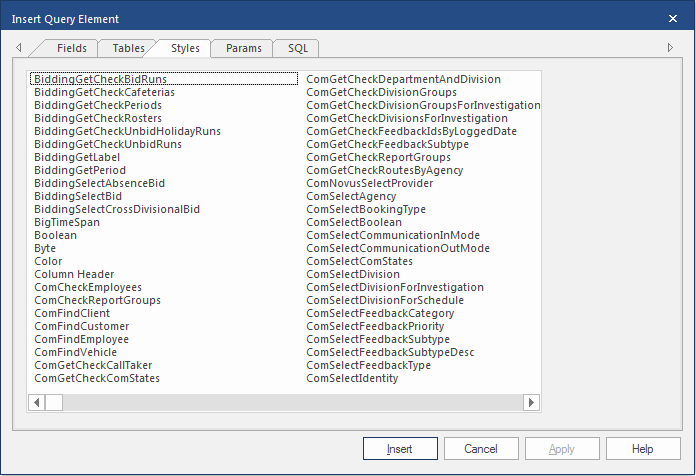
-
To add a new style:
-
In the Enter name field, enter the name of the
new style and select OK.
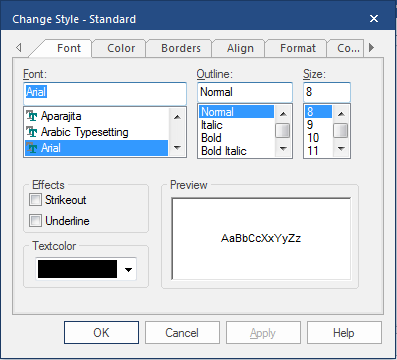
-
In the Enter name field, enter the name of the
new style and select OK.
-
To clone an existing style:
Use this feature when the style you want to create is similar to an existing style.
-
To clone a supplementary data definition style:
Use this feature when the style you want is the same as or similar to a supplementary data definition style.
-
In the Report Settings dialog, on the
Styles tab, select SDD
Clone.
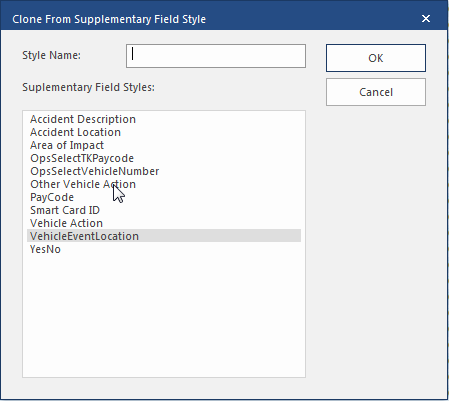
-
In the Report Settings dialog, on the
Styles tab, select SDD
Clone.