
Formatting Query Results Using Standard Style
You can apply the Standard style to report data and specify font, size, color, borders and alignment. This applies to both online and print.
-
In an SQL report, do one of the following:
- Select
- Select Settings:

- On the keyboard, press Ctrl and R.
The Report Settings dialog appears. -
Select the Styles tab.
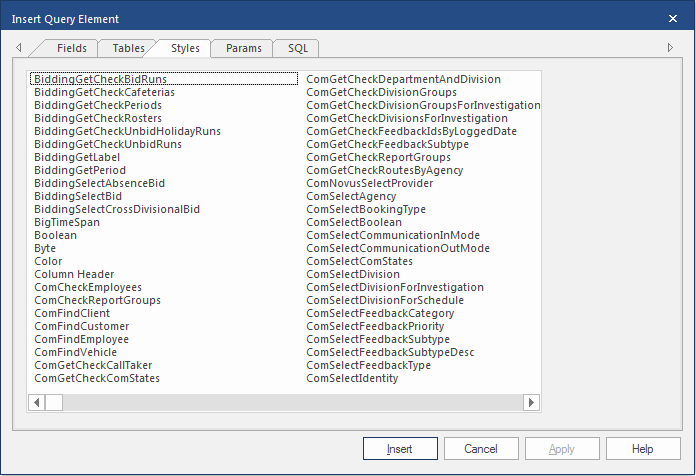
- Select the Standard style.
-
Select Change.
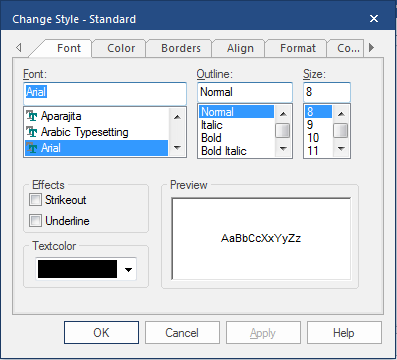
- Specify the formatting options you want.
-
Select OK.
The Standard style formatting is applied to all query result grids.