
Viewing Styles
You can view names and descriptions of stock and user-defined styles.
-
In an SQL report, do one of the following:
- Select
- Select Settings:

- On the keyboard, press Ctrl and R.
The Report Settings dialog appears. -
Select the Styles tab.
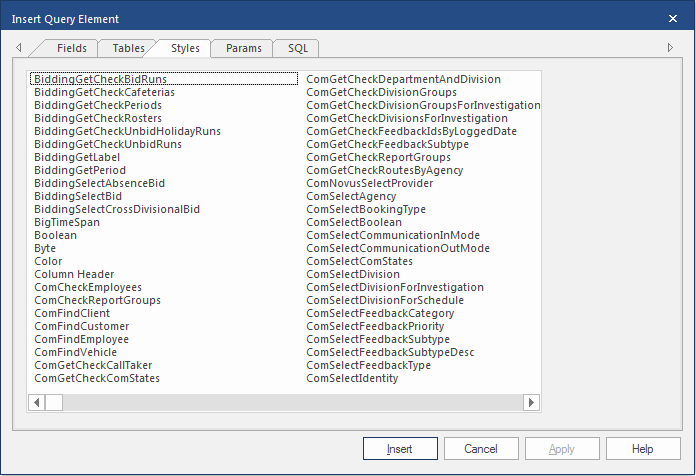
- Select a style and then Info to see its description.