
About Adjusting Prior Pay
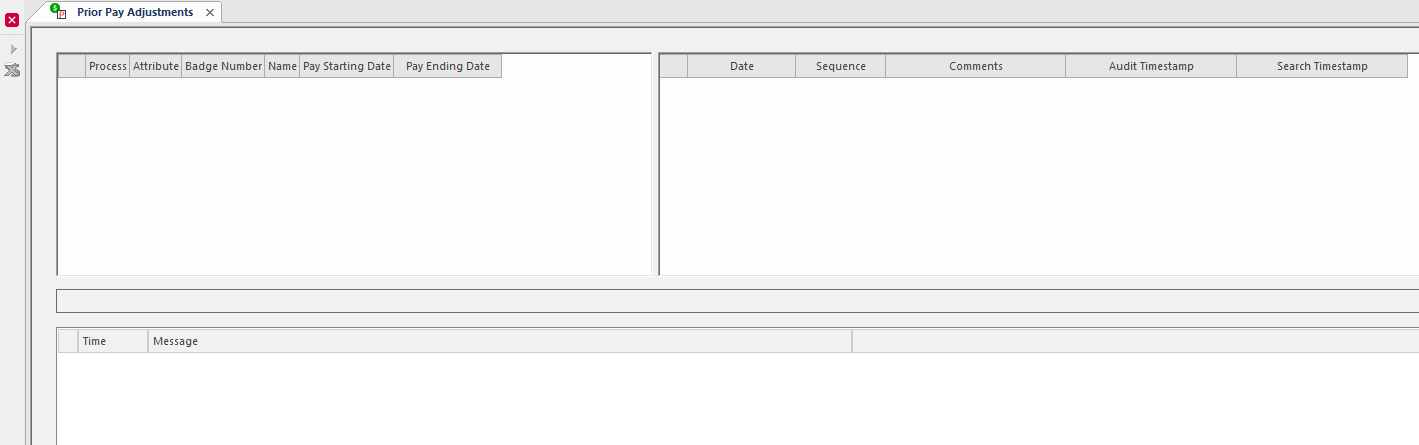
The Prior Pay Adjustments screen lets you identify employees who qualify for prior pay adjustments and recost the affected pay weeks.
This is typically used if your payroll system supports out-of-period transactions. Trapeze OPS logs all transactions performed in the system and can compare timekeeping transactions from one period with another. Differences can be shown in the Prior Pay Adjustments screen and then applied.
| Button | Label | Description |
|---|---|---|
 |
Implement Prior Pay Adjustments | Applies the prior pay changes. |
 |
Remove unprocessed employee | Removes unprocessed employees. |
Note: Verify adjustments were successful by reviewing employee
transactions in the Weekly Timekeeping Summary screen.