
About Importing Schedules
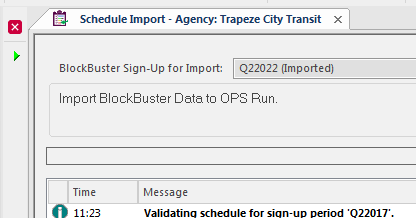
Use the Schedule Import screen to import runs from various sources.
You can import and then reimport schedules as required. If you reimport a schedule, it overwrites the current block and run information for the sign up.
Set the Context (F3) when using this screen.
| Button | Label | Description |
|---|---|---|
 |
Perform Import | Starts the import process. |
Note: If invalid data exists for a run, that run isn't imported but the rest of the data
for the division is imported.