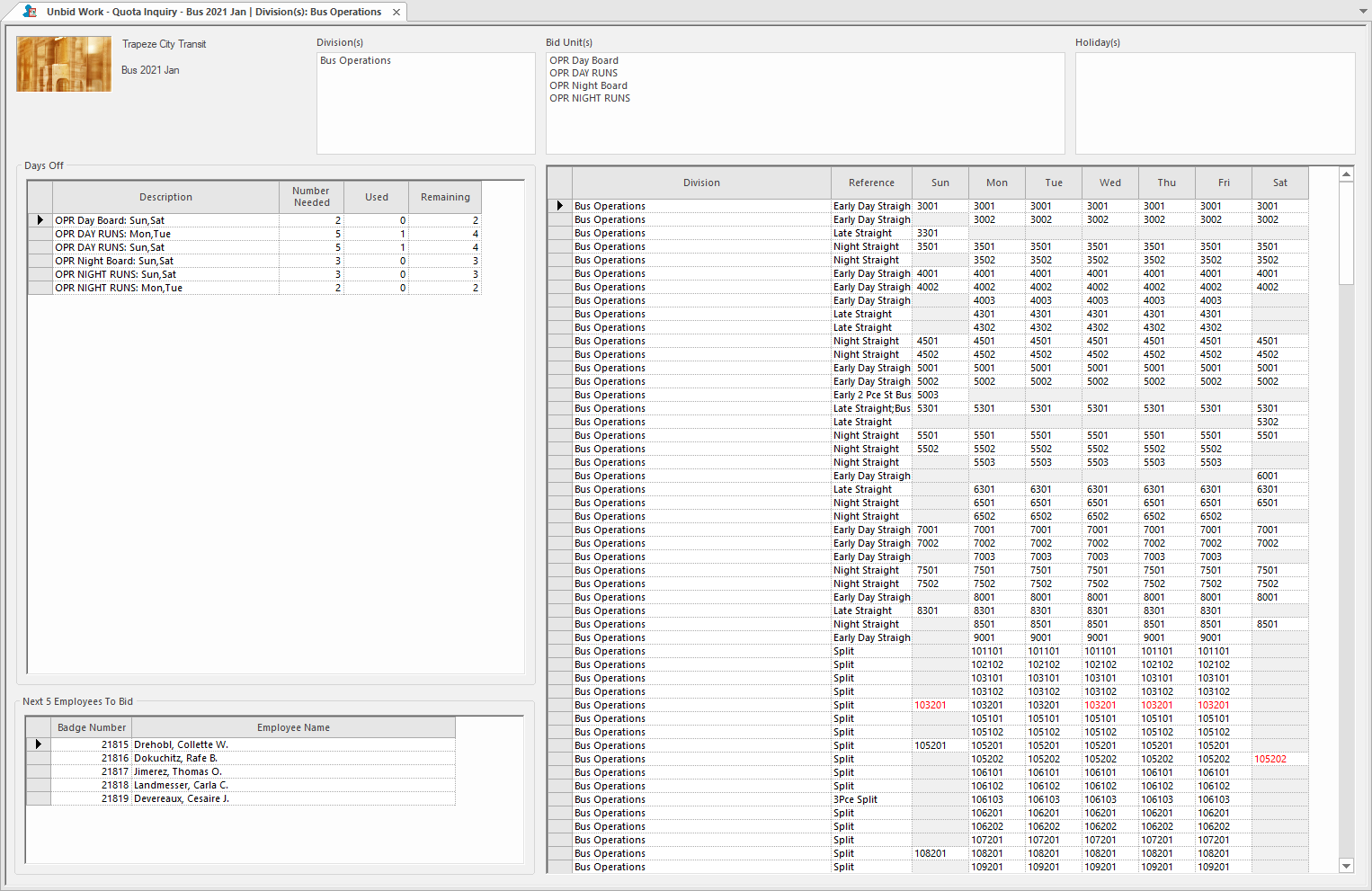
The Unbid Work - Quota Inquiry screen lets you search for and
monitor work that hasn't yet been bid on.
Typically, operators see what work remains in an ongoing bid by looking at posted reports. With
the Unbid Work - Quota Inquiry screen, operators can monitor this
information in real time.
The Days Off pane in the screen shows a summary of unbid work that
matches the Context settings and screen filters.
The number of bids used is shown in the Used column.
The number of bids remaining is shown in the Remaining column
The Next 5 Employees to Bid pane shows the next five employees who are
entitled to bid.
The grid on the right side of the screen shows work details.
Note: You can copy information from grids in the Unbid Work - Quota Inquiry
screen (Ctrl + C) to the system clipboard. You
can then paste (Ctrl + V) the records into word
processing, spreadsheet, or other applications.