Documents can be viewed in the
Employee Profile - Documents screen.
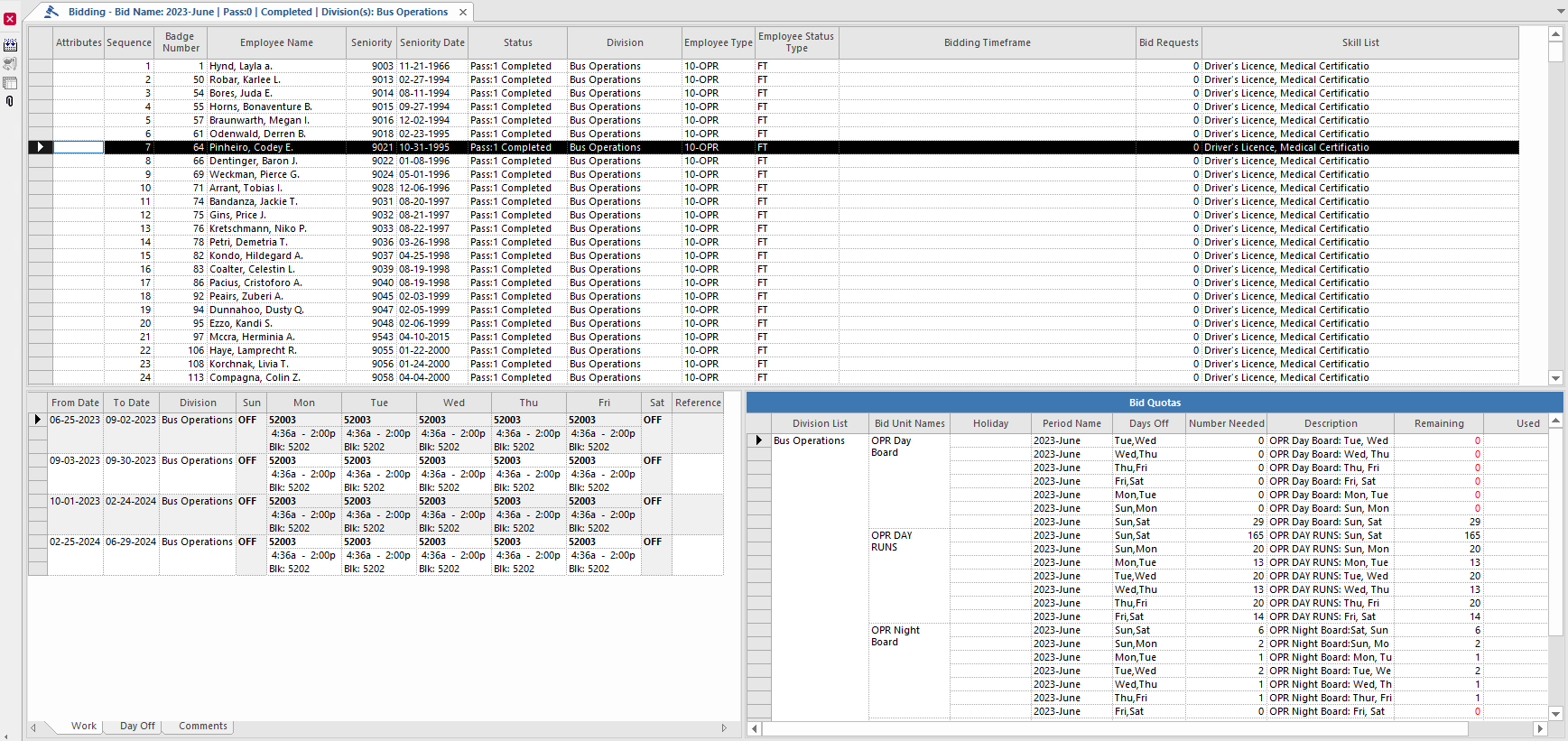
The Bidding screen uses color to indicate the status of the employee bid
request.
Table 2. Color on the Bidding Screen
Employee Color
Description
Red
The next employee in line to bid.
Blue
Employee bid is complete.
Black
Employee has yet to bid.
Table 3. Bidding Screen Tabs Information
Tab
Description
Associated Bid Information
Accrual Balance
Shows the employee’s accrual balances for each accrual type and bid unit.
The tab
shows accrual days that the employee can use immediately, and accrual days that can't be
used until a specified date.
This tab is updated with values when you configure a
bid. You can also edit accrual balances on this tab.
Absence
Banking
Shows employee banked time elections.
Banking
Bid Absences
Shows the employee’s bid absence days.
Absence
Bidding Requests
Shows any bid requests made by the employee using OPS-Web Bidding Requests.
Absence
Roster
Run
Extraboard
HolidayRun
HolidayExtraboard
Comments
Shows any comments related to the employee’s bid.
All bid categories
Day Off
Shows the employee’s days off for the sign-up period set in the Context. (This tab is
always shown.)
All bid categories
Questions
Shows the employee’s answers to questions asked during the bidding process. You can
also change responses to questions on this tab.
Questions
Vacation Relief
Shows the employee’s bid vacation relief work.
ReliefVacation
Volunteer
Shows the types of volunteer shifts the selected employee will work, the date ranges
for each volunteer type, and the regions where the employee is willing work as a
volunteer.
Volunteer
Waiver
Shows individual employee waivers.
Waiver
Work
Shows the employee’s bid work.
To see detailed information about the work, right-click the work, and select
Work Detail. A Work Details window shows
detailed work information for the first week of the work.