
About the Extra Work Screen
Extra work can be created and assigned in response to an unexpected event or as planned work.
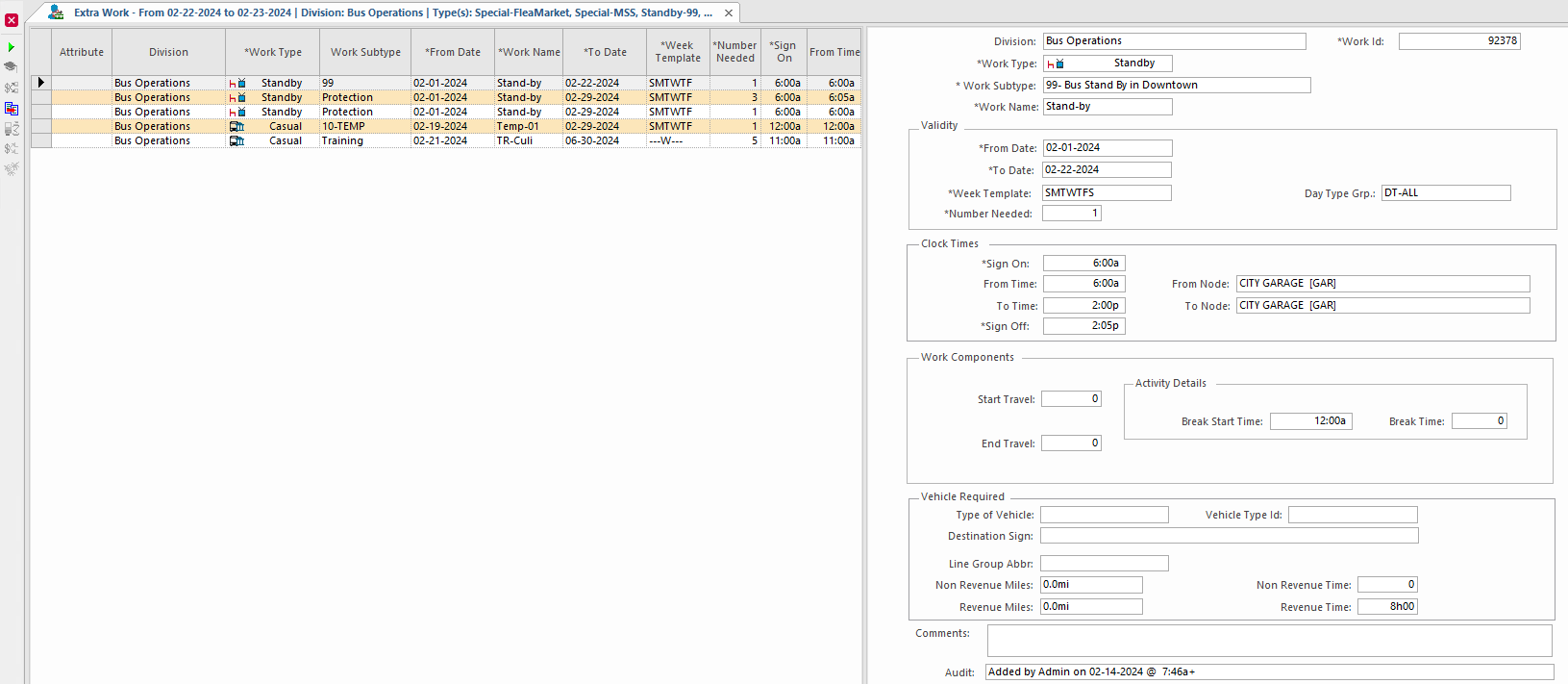
Extra work in this section is discussed in the context of preparing for daily dispatching (that is, planned extra work, not ad hoc extra work). Planned extra work is created in the Extra Work screen. If you need to create extra work for overloads, instead of entering trip details for a piece of extra work, you can import details from fixed route runs in the database and set off-set times.
You can only import details if trip details aren't currently defined for the extra work. When you import trip details, the system shifts the times to match the extra work times. For example, if a piece of extra work begins at 8∶00, and you import a run where the first trip begins at 8∶15, the system adjusts all times to be 15 minutes earlier than in the original run. The system imports the selected trip details.
| Button | Label | Description |
|---|---|---|
 |
Activate | Adds the work to daily activity. |
 |
Characteristic Requirements | Shows the skills required to perform the extra work and manage the vehicle characteristics associated with this work. |
 |
Cost Allocation | Associates the work to a labor account. |
 |
Clone Record | Creates a copy of the selected record. |
 |
Trip Details | Shows extra work trip details. |
 |
OPS ExtraWork Line Allocation | Associates the work to a line account. |
 |
Holidays | Shows holidays with the extra work's time frame. |
- Specials Work. Used for extra work that involves vehicle usage by a third party. An example of this is a chartered bus to a sporting event.
- Standby Work. Work that involves being available as a substitute operator for work. An operator may wait in the driver lounge during standby work.
- Casual Work. A catch-all group for extra work that doesn't classify as Specials Work or Standby Work.
Extra work can be broken into individual activities. These activities have activity codes created in the OPS Daily Activity Types ancillary data screen. For an extra work’s work subtype to be set as activity-based, select Activity Flag for the record in the Work Subtypes ancillary data screen.