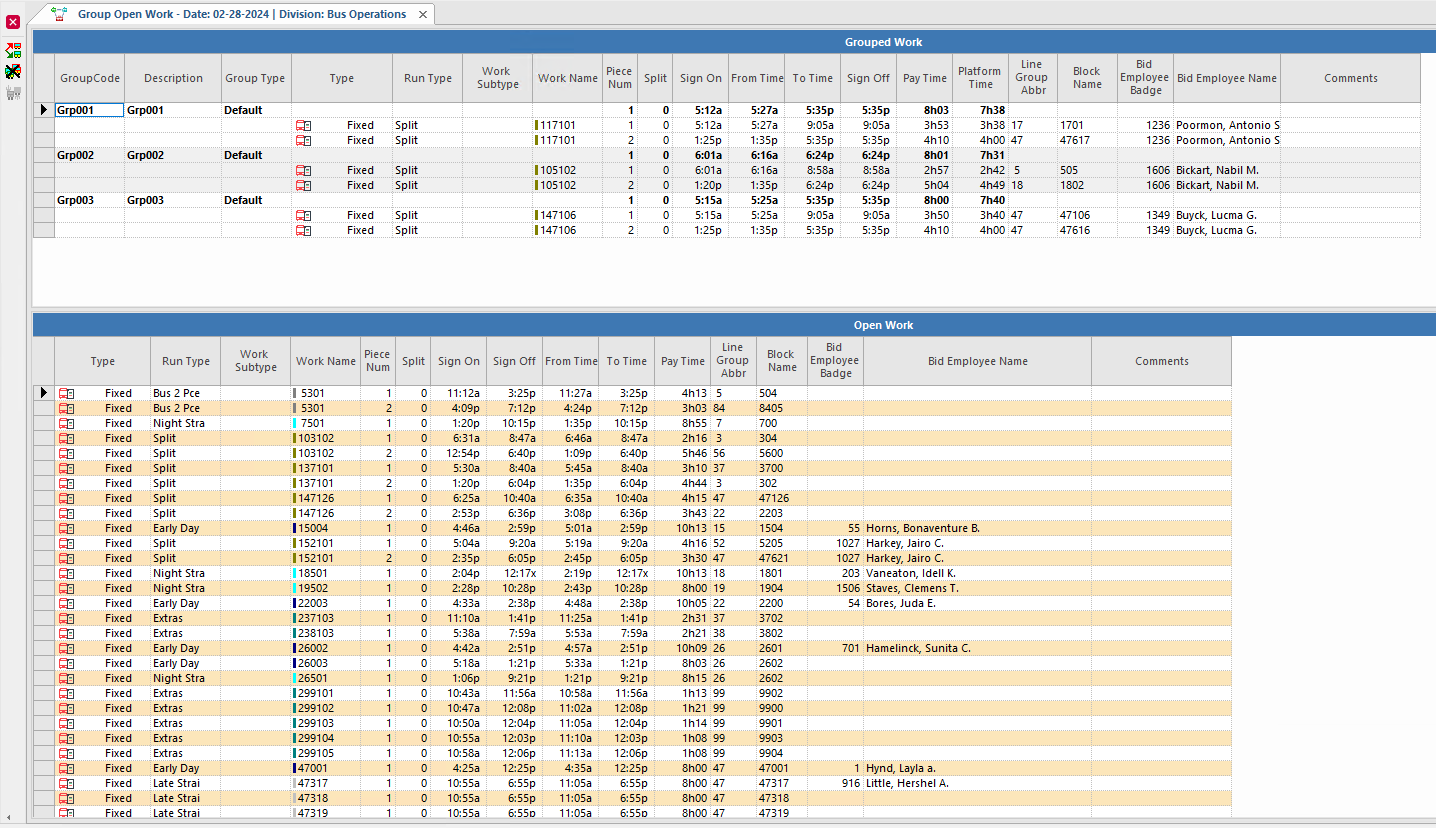
Grouping pieces of open fixed route or demand response work makes it more convenient to
assign the work from the Work Assignment Assistant and Daily Activity screens.
When you assign grouped open work, the work is treated as complete runs during costing.
Table 1. Group Open Work Screen Toolbar Button Descriptions
Button
Label
Description
Automatic Work Grouping
Groups open work automatically.
Delete Work Group
Deletes work grouping.
Create New Work Group
Creates new work grouping.
Note: To see the operator assigned to a grouped piece of work that appears in red text,
point to the work in the top pane of the screen. A tooltip shows the assigned
operator.
There are two methods to group open work. If you use both methods, run Automatic
Grouping Open Work first.
Table 2. Work Grouping Methods
Method
Description
Automatically Grouping Open Work
Trapeze OPS tries to optimize group creation (reduce time between
work, fewer groups) based on agency rules specified in ancillary data and system
properties.