
Deleting Groups of Unassigned Open Work
Ungroup work by deleting its work group.
- Open the Group Open Work screen and set the Context (F3).
-
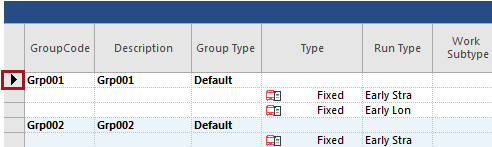
In the Grouped Work pane, select the shaded cell to the
left of the bold row for the group to delete.
-
Select Delete Work Group:
