Creating a New Weekly Roster
New rosters can be created as needed.
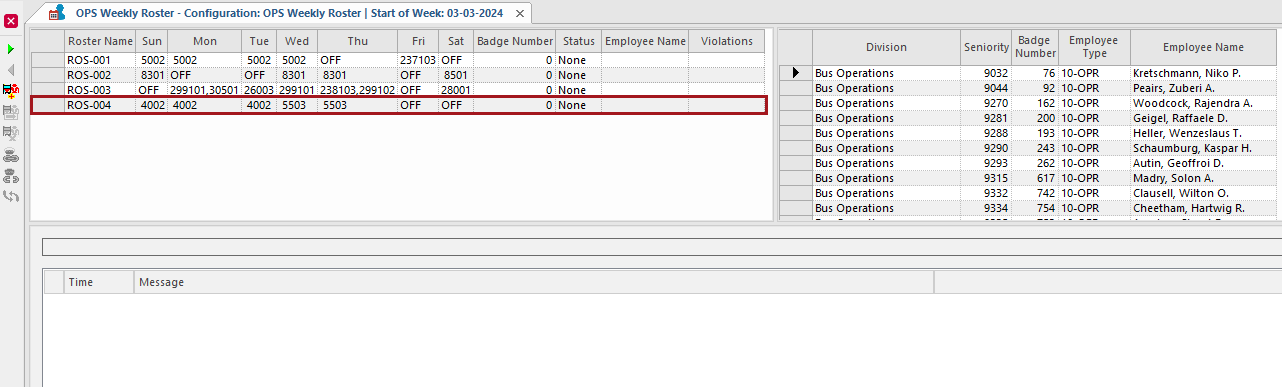
- Open the OPS Weekly Roster screen and set the Context (F3).
-
Select Add Weekly Roster:

- Enter a Roster Name.
- Select Next.
-
For each work day in the roster, select to add open or extraboard work.
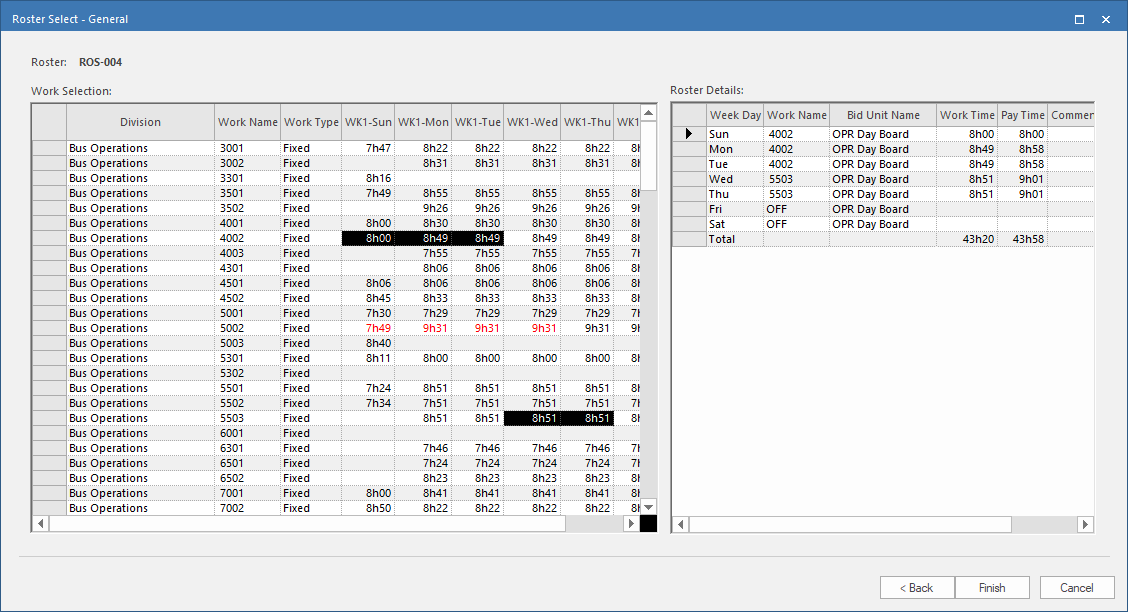
- Select Finish.