
Acknowledging Personal Messages on Larger Screens
You can acknowledge that you've received personal messages.
-
In the navigation bar, select the envelope (
 ).
).
-
Select the Inbox tab.
Messages that should be acknowledged are marked with a solid red dot (
 ).
). - Select a message.
-
In the Inbox dialog, select
Acknowledge.
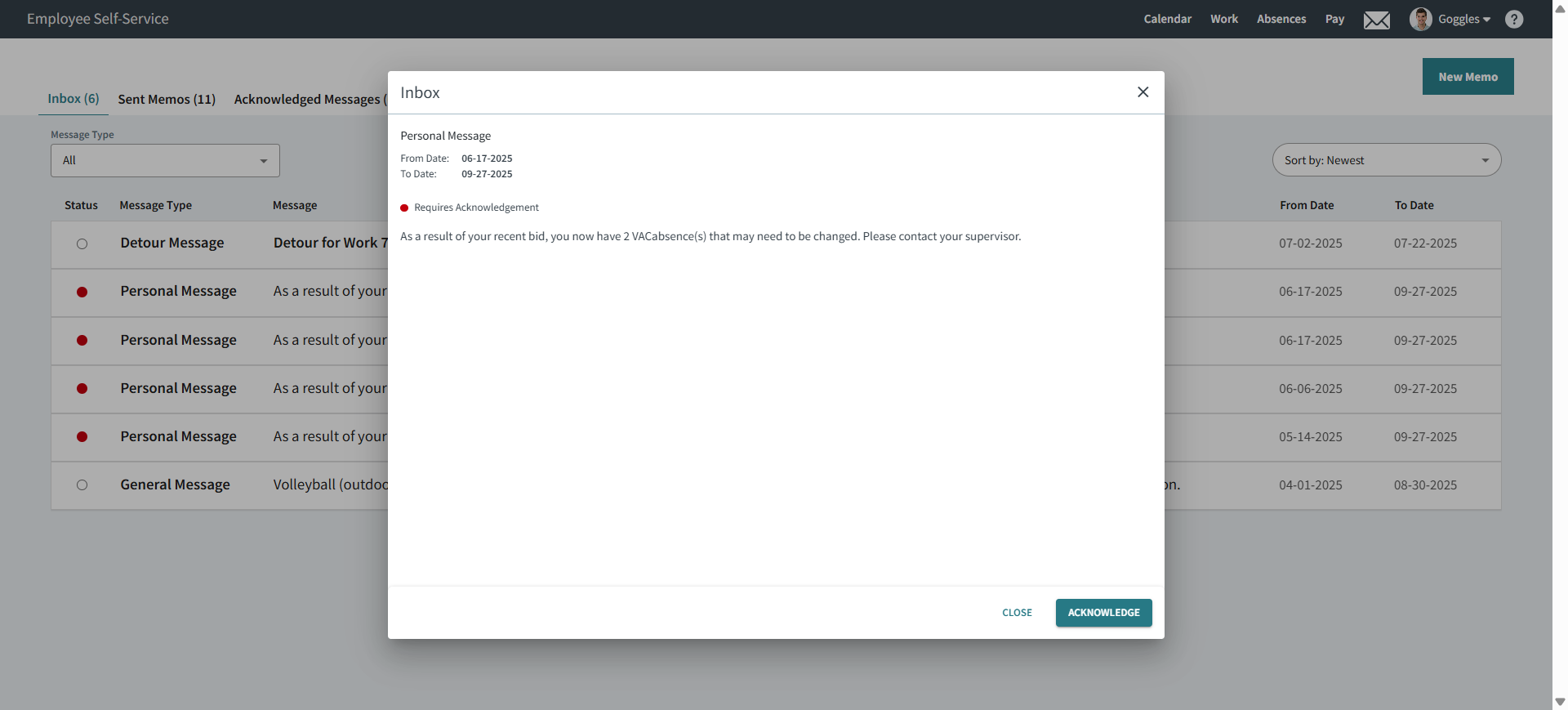
The system records the date and time of your acknowledgment.
 ).
). If messages aren't acknowledged by their To Date, they're moved to the Archived Messages page.