
Sending Memos on Smaller Screens
Memos are messages saved in the system that recipients can read and respond to later.
-
Select menu (
 ), then .
Memo records are shown.
), then .
Memo records are shown.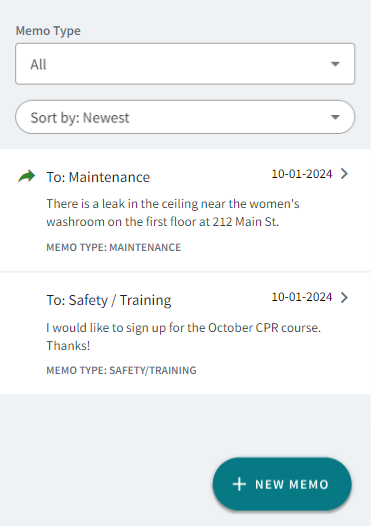
-
Select +New Memo.
Memos can be sent from any of the following pages: Inbox, Sent Messages, Acknowledged Messages, or Archived Messages.
- Select a Recipient.
- Select a Memo Type.
-
Enter a Message.
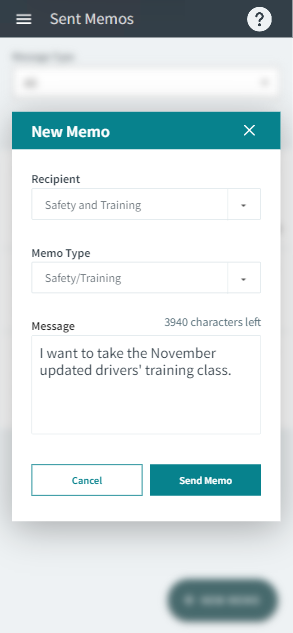
- Select Send Memo.