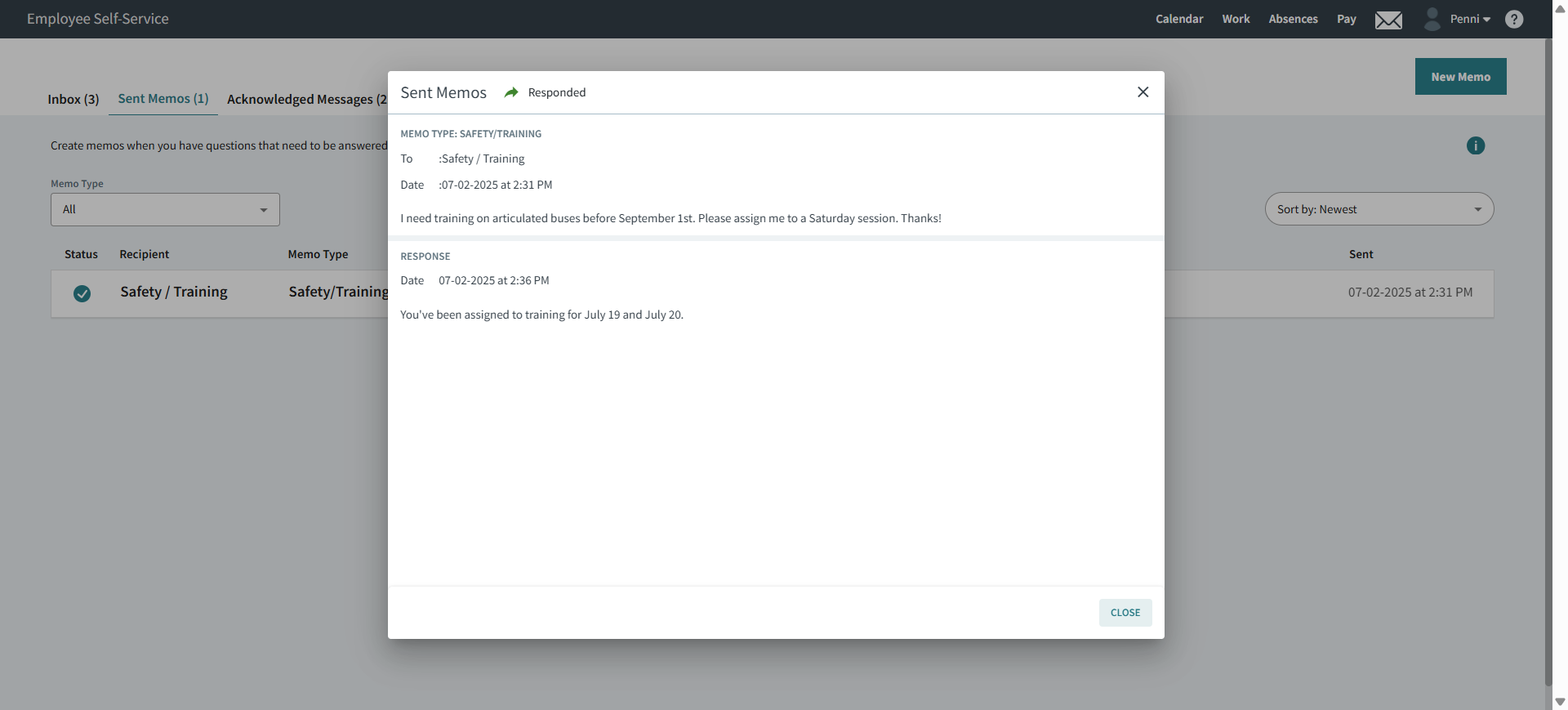
Replying to Memos in the Client Shell
Client Shell users can reply to employee memos assigned to them using the Employee Memos screen.
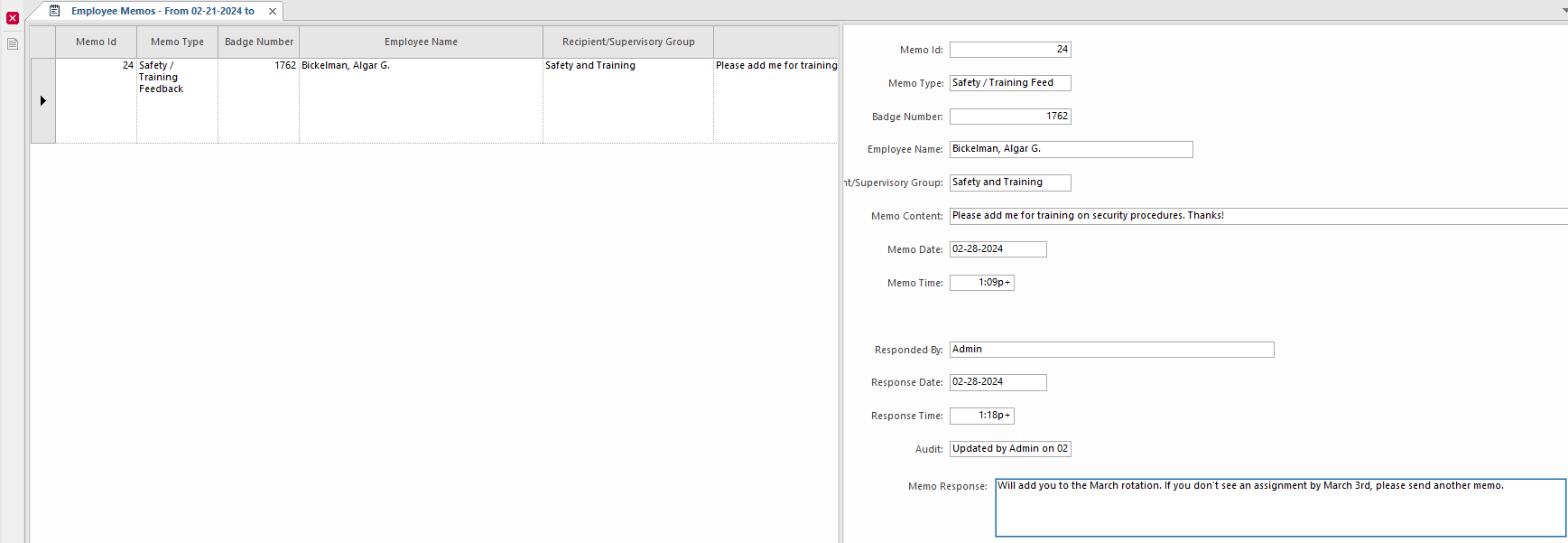
- In the Client Shell, open the Employee Memos screen and set the Context (F3).
- In the left pane, select the memo to answer.
-
In the right pane, enter your response.
-
Select Save: