
Sending Memos on Larger Screens
Memos are messages saved in the system that recipients can read and respond to later.
-
In the navigation bar, select the envelope (
 ).
).
-
Select Sent Memos.
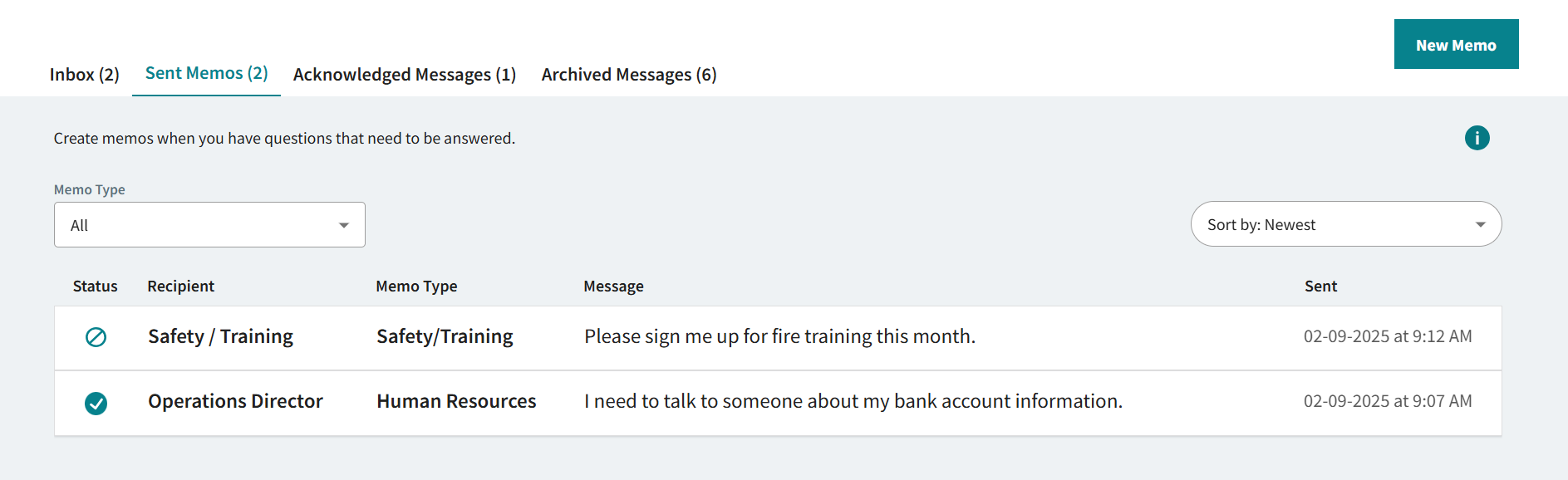
Memo records show the date your original memo was sent and the memo response Status: response ( ) or no response(
 ).
). - Select New Memo.
- Select a Recipient.
- Select a Memo Type.
- Enter a Message.
- Select Send Memo.