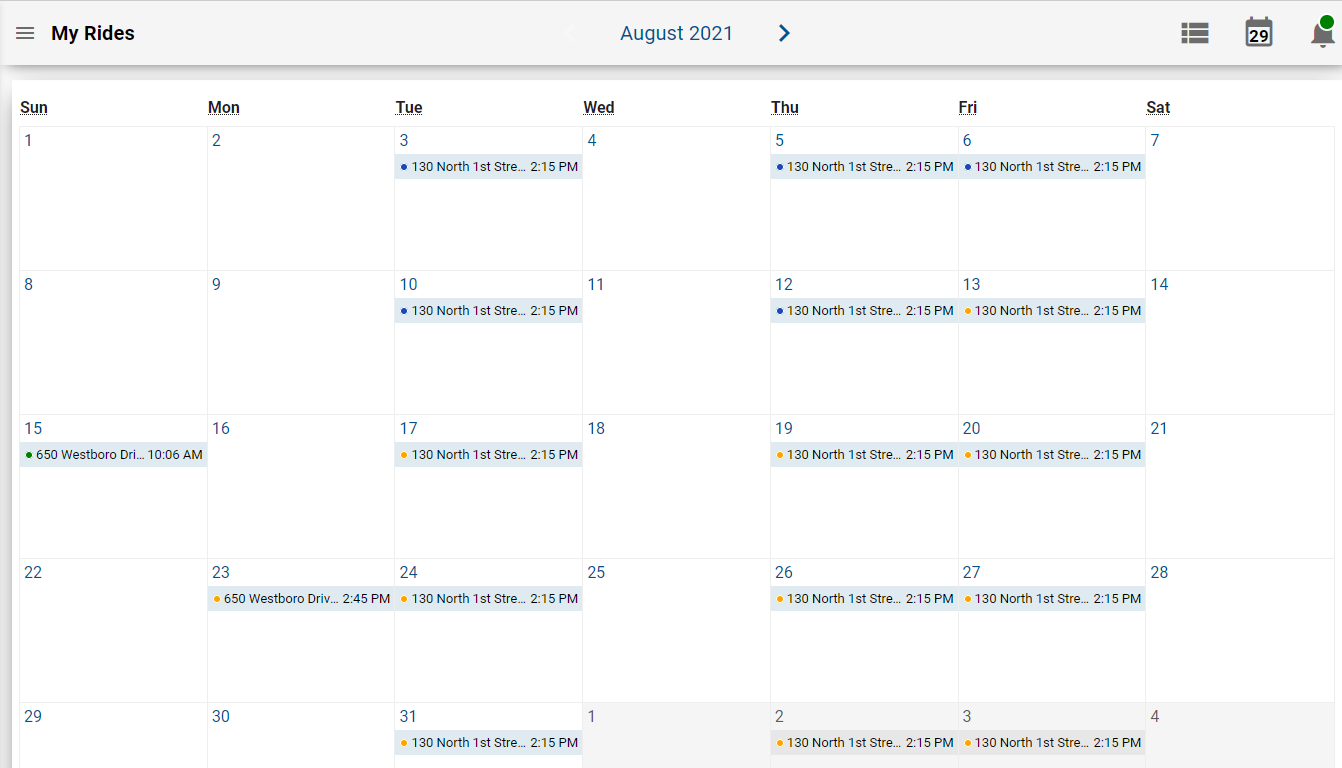
The Trips screen shows the trips that have been booked for the client. These trips are
marked with icons that indicate their status.
The following table describes the icons that appear beside the trips when on list view:
Icon
Status
Description
Scheduled
Trip has been booked and scheduled successfully.
Pending
Trip has not been created. The icon indicates that the
trip has been submitted but still needs to be created. (It acts as a placeholder on
the calendar.)
Unscheduled
Trip has been booked but has not been scheduled.
No Show
Trip is a No Show if you did not show up at the scheduled
pick-up time.
Arrived
Vehicle has arrived at the pick-up location.
Canceled
Trip has been canceled.
When the trips are shown in the calendar view, the icons change to dots beside the trip
information. The color of the dots match the color of the backgrounds of the icons as they
are shown in list view.