
Including or Excluding Data Points in Visuals
Visuals can be updated to show or hide specific data points.
Do one of the following:
- To view only a single data point and exclude all others, right-click on
the data point and select Include.
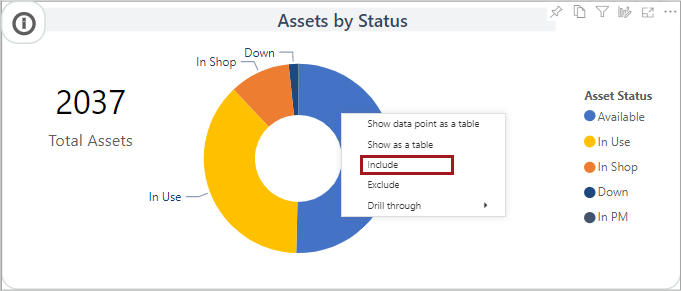
- To exclude a data point, right-click on the data point and select Exclude.